Get a countdown to your quarterly tax deadline
WebRun checks Quipu for your upcoming quarterly tax deadline, archives the current tax summary to Google Drive, and texts you a countdown so it's never a last minute scramble.
- No credit card
- Under $0.01 per run
- Cancel anytime
How do I stay ahead of my Quipu quarterly tax deadline?
WebRun checks Quipu every morning for your current quarterly tax deadline and estimated amount due, and archives a dated copy of the summary to Google Drive. Once 7 days or fewer remain and the filing is still unsubmitted, it texts you a countdown with the exact deadline, so a quarterly filing never turns into a last minute scramble.
- A quarterly tax deadline never arrives as a surprise
- The tax summary is archived automatically every quarter
- Countdown texts stop the moment you file
Built for freelancers · autonomos · small businesses · European sole traders
What does WebRun do on every run?
The exact actions WebRun takes, in order - in plain language, so you can adjust anything.
-
WebRun signs in and gets to work
Opens
getquipu.comin a real browser with your saved login - no setup, no API keys. -
1
Quipu - check the upcoming quarterly tax deadline
getquipu.com
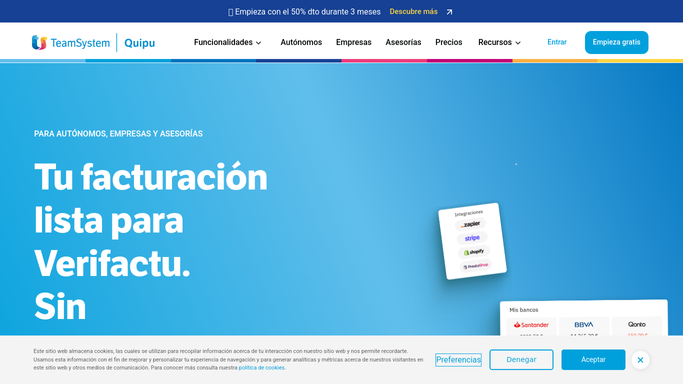
WebRun opens Quipu to check the upcoming quarterly tax deadline. - Open Quipu and check the current quarter's tax summary
- Note the filing deadline and the estimated amount due
- Check whether the filing has already been submitted
Done when The current quarter's deadline, estimate, and submission status are confirmed.
-
2
Google Drive - archive the tax summary to Drive
drive.google.com How to Automate Google Drive

WebRun opens Google Drive to archive the tax summary to Drive. - Save a copy of the current tax summary to your tax folder
- Name the file with the quarter and year
- Replace last quarter's working copy once the new one is saved
Done when The current quarter's tax summary is archived in Drive.
-
3
Twilio - text you the countdown
twilio.com How to Automate Twilio

WebRun opens Twilio to text you the countdown. - Once 7 days or fewer remain and the filing is still unsubmitted, send a countdown text
- State the exact deadline and the estimated amount due
- Stop texting as soon as Quipu shows the filing submitted
Done when You're texted a countdown only in the final week before an unfiled deadline.
How is each run configured?
Secure by default
Connect once, stays signed in
WebRun signs in once and keeps each session in a persistent environment, so every run picks up right where it left off.
Every action is checked against this policy before it runs.
Questions, answered
Does it file the tax return for me?
No. It only tracks the deadline, estimate, and submission status. Filing stays a step you or your accountant complete inside Quipu.
Why archive the summary every quarter?
So you always have a dated record of the estimate Quipu showed at the time, saved to Drive alongside your other tax documents.
What if I file early?
The countdown texts stop as soon as Quipu shows the filing submitted, so you won't be texted about a deadline you've already met.
Related templates
Put this on autopilot.
Turn it on in minutes - or have our team set it up for you.