Automated Quipu Accepted Quote Billing Check
Every morning, WebRun opens Quipu, reads the quotes marked as accepted, checks whether an invoice exists for each client and amount, creates a Trello card for anything still unbilled, and keeps a Notion register of accepted work with the money waiting to be invoiced.
How do I find accepted quotes that were never invoiced?
WebRun opens Quipu every morning, reads the quotes your clients marked as accepted, and checks each one against your invoice list. It cards every accepted quote with no matching invoice in Trello and keeps a Notion register with the running total, so agreed work does not sit unbilled for weeks.
- Agreed work stops sitting unbilled for weeks
- The running total of unbilled work is visible every morning
- Creating and sending the invoice stays your decision
Built for freelancers · small agencies · consultants · Spanish small businesses
What does WebRun do on every run?
The exact actions WebRun takes, in order - in plain language, so you can adjust anything.
-
WebRun signs in and gets to work
Opens
getquipu.comin a real browser with your saved login - no setup, no API keys. -
1
Quipu - find accepted quotes with no invoice
getquipu.com
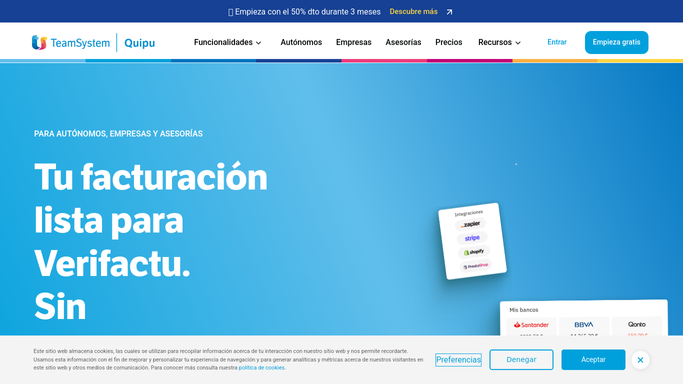
WebRun opens Quipu to find accepted quotes with no invoice. - Open Quipu and filter quotes to those marked accepted
- For each accepted quote, capture the client, the amount and the date it was accepted
- Check the invoice list for a matching invoice and flag every quote with none
Done when Every accepted quote is marked as invoiced or still unbilled.
-
2
Trello - card each unbilled quote
trello.com

WebRun opens Trello to card each unbilled quote. - Create a card per unbilled quote with the client, amount and days since acceptance
- Put the oldest acceptances at the top so nothing ages further
- Close the card once a matching invoice appears in Quipu
Done when Every unbilled accepted quote has a card to action.
-
3
Notion - keep the unbilled register
notion.so

WebRun opens Notion to keep the unbilled register. - Keep a register page of accepted but unbilled work with a running total
- Record how long each quote has waited, so a pattern by client is readable
- Leave invoicing to you. WebRun never creates, sends or issues an invoice on its own
Done when The unbilled register and its total reflect this morning's run.
How is each run configured?
Secure by default
Connect once, stays signed in
WebRun signs in once and keeps each session in a persistent environment, so every run picks up right where it left off.
Every action is checked against this policy before it runs.
Questions, answered
Will it create or send invoices for me?
No. WebRun lists the accepted quotes that have no invoice yet. Creating the invoice and sending it to the client stays a manual step you take in Quipu.
Does it email clients about unpaid work?
No. The Trello cards and the Notion register are internal. WebRun never contacts a client, so nothing goes out under your name without you writing it.
How does it match a quote to an invoice?
It compares the client and the amount on each accepted quote against your invoice list. Anything it cannot match confidently is flagged for you to check rather than assumed billed.
Related templates
Put this on autopilot.
Turn it on in minutes - or have our team set it up for you.