Catch a project before it burns through its budget
Every morning, WebRun opens Harvest, reads the hours tracked against each active project, compares them to the budget set on the project, works out how fast the remaining budget is burning, posts the projects past your threshold to Microsoft Teams, and texts the project lead when an overrun is days away.
- No credit card
- Under $0.01 per run
- Cancel anytime
How do I get warned before a project goes over its budget?
WebRun watches your Harvest project budgets every morning. It compares tracked hours and fees against each project's budget, works out the burn rate from recent time entries, and projects when the budget runs out. At-risk projects post to Microsoft Teams and Twilio texts the lead, so the scope conversation happens before the overrun is billed.
- Overruns are caught while the work is still in progress
- Every project carries a projected budget exhaustion date
- The lead is texted rather than finding out at invoicing
Built for agencies · consultancies · project leads · studio operations
What does WebRun do on every run?
The exact actions WebRun takes, in order - in plain language, so you can adjust anything.
-
WebRun signs in and gets to work
Opens
id.getharvest.comin a real browser with your saved login - no setup, no API keys. -
1
Harvest - compare hours against budget
getharvest.com
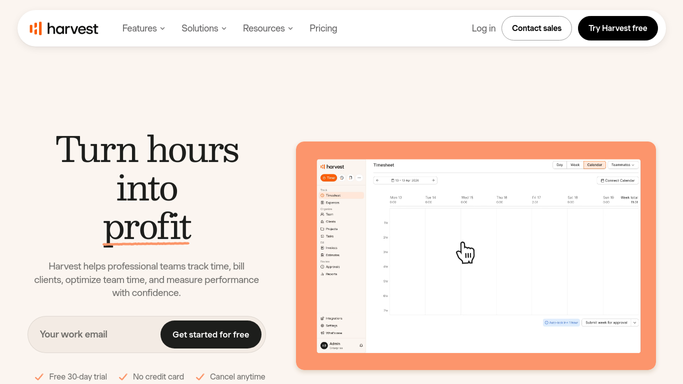
WebRun opens Harvest to compare hours against budget. - Open Harvest and list every active project with a budget set
- Read the hours and fees tracked against each project to date
- Work out the percentage of budget used and the amount remaining
- Read the last two weeks of tracked time to estimate the current burn rate
- Project when each budget will be exhausted at the present rate and note the client and task breakdown
Done when Every active project has a budget used figure and a projected exhaustion date.
-
2
Microsoft Teams - post the projects at risk
microsoft.com How to Automate Microsoft Teams

WebRun opens Microsoft Teams to post the projects at risk. - Post today's at-risk projects to your delivery channel, closest to overrun first
- For each project show budget used, hours remaining, the burn rate, and the client
- Separate projects already over budget from those merely trending that way
- Name the tasks eating the most budget so the scope conversation has detail
Done when Today's at-risk project list is posted in Teams.
-
3
Twilio - text the lead before an overrun
twilio.com How to Automate Twilio

WebRun opens Twilio to text the lead before an overrun. - Text the project lead when a project crosses the threshold you set, for example eighty percent used
- Name the project, the budget used, and how many days of burn are left
- Text internal leads only. WebRun never contacts a client and never raises an invoice
Done when Every lead with a project at risk has been texted.
How is each run configured?
Secure by default
Connect once, stays signed in
WebRun signs in once and keeps each session in a persistent environment, so every run picks up right where it left off.
Every action is checked against this policy before it runs.
Questions, answered
Will it contact clients about the overrun?
No. WebRun only alerts your internal leads over Teams and Twilio. The scope conversation with the client is yours to have, and no invoice is ever raised or sent.
Does it change budgets or time entries in Harvest?
No. It is read-only. It reads tracked hours and the budget on the project, and writes nothing back. Adjusting a budget stays a manual decision.
When does the warning fire?
At the percentage of budget you set, for example eighty percent used, and again when the projected burn rate says the budget runs out within your warning window.
Related templates
Put this on autopilot.
Turn it on in minutes - or have our team set it up for you.