Start every day knowing exactly where your sales stand
Every morning, WebRun opens Artlogic and ArtBase, pulls all sales confirmed and inquiries received in the last 24 hours, summarises the totals and key details, and posts a concise digest to Slack so your team starts the day fully informed.
- No credit card
- Under $0.01 per run
- Cancel anytime
What does WebRun do on every run?
The exact actions WebRun takes, in order - in plain language, so you can adjust anything.
-
WebRun signs in and gets to work
Opens
app.artlogic.netin a real browser with your saved login - no setup, no API keys. -
1
Artlogic - pull prior day sales and inquiry data
artlogic.net How to Automate Artlogic

WebRun opens Artlogic to pull prior day sales and inquiry data. - Open Artlogic and filter transactions completed in the last 24 hours
- Capture each sale with artwork title, artist, sale price, and buyer name
- Filter the CRM for new inquiries received in the last 24 hours and capture the artwork and collector details
- Note any works moved to 'on hold' or 'reserved' since yesterday
Done when All prior-day sales, holds, and new inquiries from Artlogic are captured.
-
2
ArtBase - pull any additional inquiry or inventory activity
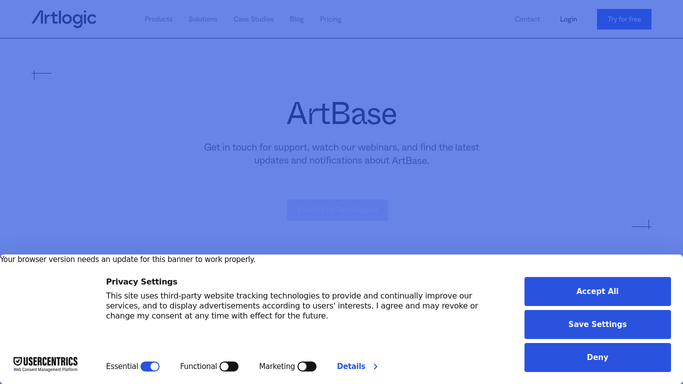
artbase.com
WebRun opens ArtBase to pull any additional inquiry or inventory activity. - Open ArtBase and review any inquiry or collector activity logged in the last 24 hours
- Capture new contact records, inquiry notes, and any inventory updates
- Cross-reference with Artlogic to avoid duplicating entries already captured
Done when Any additional inquiry or activity from ArtBase is captured and duplicates are excluded.
-
3
Slack - post daily sales and inquiries digest
slack.com How to Automate Slack
WebRun opens Slack to post daily sales and inquiries digest. - Compose a clean morning digest for the gallery sales channel
- Include total sales value for the day, number of new inquiries, and any new holds placed
- List individual sales and key inquiries with artwork, artist, and collector name
- Post the digest so the team sees it at the start of the working day
Done when The daily sales and inquiries digest is posted to Slack for the full team to review.


How do I get a daily summary of gallery sales and inquiries in Slack?
Every morning, WebRun opens Artlogic and ArtBase, pulls all sales and inquiries from the previous 24 hours, and posts a concise digest to Slack. The message covers total sales value, new inquiry count, and individual sale and inquiry details, so your team starts each day fully briefed without logging into two systems.
- The team starts every morning with a full picture of prior-day sales and inquiry activity
- No sale or inquiry is missed because it happened outside office hours
- Directors and managers have a real-time pulse on gallery performance without manual reporting
Built for art galleries · gallery directors · gallery sales managers · art dealers
How is each run configured?
Secure by default
Connect once, stays signed in
WebRun signs in once and keeps each session in a persistent environment, so every run picks up right where it left off.
Every action is checked against this policy before it runs.
Questions, answered
Does it take any action on the sales or inquiries, or just report them?
It only reports. WebRun compiles and posts the digest to Slack without updating records, sending emails, or making any changes in Artlogic or ArtBase. All follow-up actions are taken by your team.
What if there were no sales or inquiries the previous day?
It still posts the digest with a zero-activity summary. That way the team always has confirmation the workflow ran and there is genuinely nothing to action, rather than silence that might be mistaken for a missed run.
Can it cover activity from both Artlogic and ArtBase in one digest?
Yes. WebRun pulls data from both systems each morning, deduplicates entries that appear in both, and combines everything into a single Slack message so the team only reads one digest.
Related templates
Put this on autopilot.
Turn it on in minutes - or have our team set it up for you.