Convert artwork holds into confirmed sales
Every morning, WebRun opens Artlogic, finds artworks on hold or reserve, checks which holds are expiring soon, drafts a courteous follow-up for each collector in Gmail, and alerts your team in Slack to review and send the messages.
- No credit card
- Under $0.01 per run
- Cancel anytime
What does WebRun do on every run?
The exact actions WebRun takes, in order - in plain language, so you can adjust anything.
-
WebRun signs in and gets to work
Opens
app.artlogic.netin a real browser with your saved login - no setup, no API keys. -
1
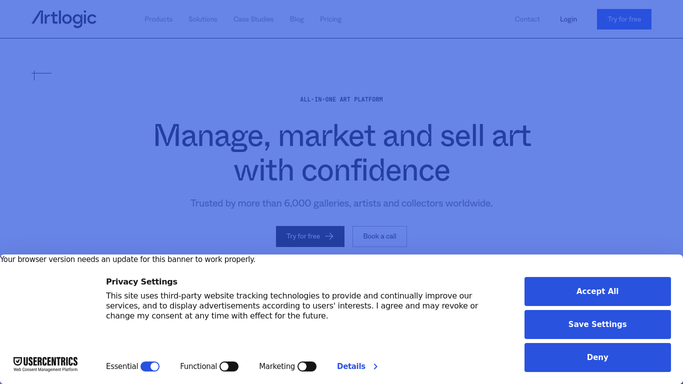
Artlogic - find holds and reserves nearing expiry
artlogic.net How to Automate Artlogic

WebRun opens Artlogic to find holds and reserves nearing expiry. - Open Artlogic and filter the inventory to artworks with a status of 'on hold' or 'reserved'
- Identify holds expiring within the next 48 hours or already past their hold date
- Capture the collector name, artwork title, hold expiry date, and any notes on the record
- Skip works already followed up in the last 24 hours
Done when All holds expiring within 48 hours are identified with collector and artwork details.
-
2
Gmail - draft courteous hold follow-up for each collector
gmail.com How to Automate Gmail
WebRun opens Gmail to draft courteous hold follow-up for each collector. - Draft a courteous, personalised follow-up for each collector with an expiring hold
- Mention the artwork title, the hold expiry date, and a gentle call to confirm or release
- Offer to answer any remaining questions and provide relevant contact information
- Leave each email as a draft, unsent, for a team member to review before sending
Done when Draft follow-up emails are saved in Gmail for every collector with an expiring hold.
-
3
Slack - alert team to review and send drafts
slack.com How to Automate Slack
WebRun opens Slack to alert team to review and send drafts. - Post a morning alert to the gallery sales channel listing all expiring holds
- Include the collector name, artwork, and hours remaining on each hold
- Link directly to each Gmail draft for quick one-click review and sending
Done when The sales team has a morning hold-expiry briefing in Slack with links to every draft.


How do I automatically follow up on artworks on hold before they expire?
Every morning, WebRun opens Artlogic and finds artworks on hold or reserve that are expiring within 48 hours. It drafts a courteous, personalised follow-up in Gmail for each collector and alerts your team in Slack with the expiry details, so no hold expires without a timely, human-reviewed touch.
- Expiring holds are caught and followed up before works are lost to indecision
- Sales staff start every morning with a clear list of holds that need attention
- No collector is left waiting past a hold deadline without a courteous prompt
Built for art galleries · art dealers · gallery sales staff · registrars
How is each run configured?
Secure by default
Connect once, stays signed in
WebRun signs in once and keeps each session in a persistent environment, so every run picks up right where it left off.
Every action is checked against this policy before it runs.
Questions, answered
Will it contact collectors automatically when their hold is about to expire?
No. WebRun drafts the follow-up and leaves it in Gmail. A team member reviews and sends it, so no collector receives a message without human sign-off.
How close to expiry does it trigger the follow-up?
It flags holds expiring within the next 48 hours and any that have already passed their hold date, giving your team a comfortable window to respond before the deadline.
What if the same collector has multiple works on hold?
Each held artwork gets its own draft email so the messaging is specific to that work. The Slack alert lists all expiring holds together for a quick overview.
Related templates
Put this on autopilot.
Turn it on in minutes - or have our team set it up for you.