Track every disputed freight charge from flag to resolution
Every morning, WebRun opens CassPort to check for newly disputed charges and updates the status of existing open disputes. It logs new disputes to an Airtable tracker and posts a Slack alert for any dispute resolved or within three days of its deadline.
- No credit card
- Under $0.01 per run
- Cancel anytime
What does WebRun do on every run?
The exact actions WebRun takes, in order - in plain language, so you can adjust anything.
-
WebRun signs in and gets to work
Opens
my.cassport.comin a real browser with your saved login - no setup, no API keys. -
1
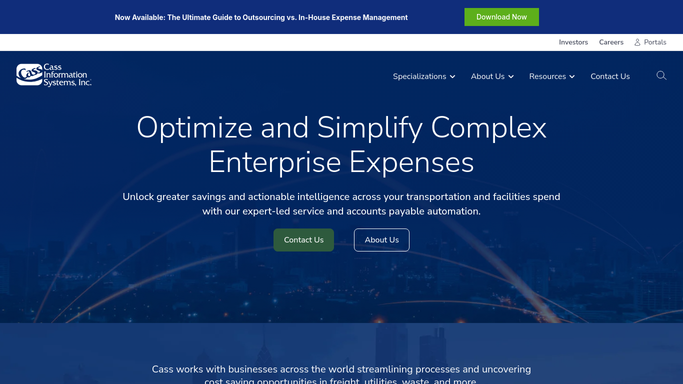
Cass - check new disputes and update open dispute statuses
cassinfo.com How to Automate Cass

WebRun opens Cass to check new disputes and update open dispute statuses. - Open CassPort and review the dispute queue for any new disputed charges submitted since the last run
- Check the status of all existing open disputes: pending carrier response, carrier credit issued, or resolved
- Capture carrier, invoice number, disputed amount, dispute date, and current status for each record
Done when New disputes are captured and all open dispute statuses are current.
-
2
Airtable - log new disputes and update tracker records
airtable.com How to Automate Airtable
WebRun opens Airtable to log new disputes and update tracker records. - Add each new dispute as a record in the Freight Dispute Tracker base with all relevant fields
- Update the Status, Resolution Date, and Credit Amount fields for disputes that have progressed or closed
- Calculate days open and days until the response deadline for each open record
Done when Airtable reflects the current status of every dispute, new and existing.
-
3
Slack - alert team on resolved disputes and upcoming deadlines
slack.com How to Automate Slack
WebRun opens Slack to alert team on resolved disputes and upcoming deadlines. - Post a Slack alert listing disputes resolved since yesterday with the credit amount recovered
- Post a separate alert listing disputes where the carrier response deadline is within three days
- Include carrier, invoice number, and disputed amount in each alert
Done when Your team is alerted to resolutions and deadline-approaching disputes in Slack.


How do I track disputed freight charges from submission to resolution?
WebRun checks your Cass dispute queue every morning, captures any new disputed charges, and updates the status of all open disputes in an Airtable tracker. Your team gets Slack alerts when disputes are resolved with the credit amount recovered, and when a carrier response deadline is within three days, so nothing falls through the cracks.
- Every disputed charge tracked from flag to resolution without manual upkeep
- Carrier response deadlines never missed with three-day Slack alerts
- Cumulative credits recovered tracked automatically in Airtable
Built for freight audit teams · transportation managers · carrier relations teams · logistics controllers
How is each run configured?
Secure by default
Connect once, stays signed in
WebRun signs in once and keeps each session in a persistent environment, so every run picks up right where it left off.
Every action is checked against this policy before it runs.
Questions, answered
Will it contact carriers to follow up on open disputes automatically?
No. WebRun updates the tracker and alerts your team to approaching deadlines. Any carrier follow-up communication is drafted for human review before it is sent.
How does it know when a dispute is resolved?
It reads the dispute status in CassPort, which is updated when Cass receives a carrier credit or closes the dispute. The Airtable record is updated to match on the same run.
Can I see the total value recovered from disputes over time?
Yes. The Airtable base includes a cumulative credits recovered field that is updated whenever a dispute is closed with a credit, giving you a running savings total.
Related templates
Put this on autopilot.
Turn it on in minutes - or have our team set it up for you.