Alert your team the moment a carrier rate does not match your contract
Throughout the day, WebRun monitors incoming freight invoices in CassPort, compares each base rate against your stored carrier contract for that lane and shipment type, and sends a Telegram message the moment a rate mismatch is found so your team can flag it before the payment cycle closes.
- No credit card
- Under $0.01 per run
- Cancel anytime
What does WebRun do on every run?
The exact actions WebRun takes, in order - in plain language, so you can adjust anything.
-
WebRun signs in and gets to work
Opens
my.cassport.comin a real browser with your saved login - no setup, no API keys. -
1
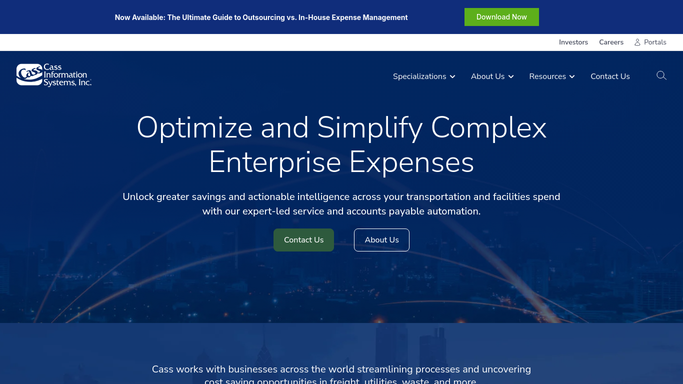
Cass - monitor incoming invoices and compare base rates to contracts
cassinfo.com How to Automate Cass

WebRun opens Cass to monitor incoming invoices and compare base rates to contracts. - Poll CassPort at regular intervals for newly received invoices not yet included in a previous run
- For each new invoice, look up the applicable contract rate using carrier, lane origin and destination, weight break, and shipment mode
- Compare the billed base rate to the contracted rate and calculate the variance in both dollars and percentage
- Flag any invoice where the variance exceeds your configured tolerance
Done when Every new invoice with a base-rate mismatch above tolerance is captured with its variance details.
-
2
Telegram - send real-time rate mismatch alerts
telegram.org How to Automate Telegram
WebRun opens Telegram to send real-time rate mismatch alerts. - Send a Telegram message to your freight audit channel for each rate mismatch detected
- Include carrier name, invoice number, lane, billed rate, contracted rate, and dollar variance
- Group multiple mismatches from the same carrier into a single message when they arrive in the same check cycle
Done when A Telegram alert has been sent for every rate mismatch detected since the last run.

How do I get real-time alerts when a carrier charges a rate that does not match my contract?
WebRun monitors your Cass invoice queue throughout the day, comparing every incoming base rate against your stored carrier contracts. The moment a rate mismatch exceeds your tolerance threshold, WebRun sends a Telegram alert with the carrier, lane, billed rate, contracted rate, and dollar variance so your team can act before the payment cycle closes.
- Rate mismatches caught in real time rather than discovered post-payment
- Your team sees the carrier, lane, and dollar variance before the payment cycle closes
- Alert fatigue minimized by grouping mismatches from the same carrier
Built for freight audit teams · transportation managers · carrier contract managers · logistics controllers
How is each run configured?
Secure by default
Connect once, stays signed in
WebRun signs in once and keeps each session in a persistent environment, so every run picks up right where it left off.
Every action is checked against this policy before it runs.
Questions, answered
Will it automatically put mismatched invoices on hold?
No. WebRun sends the alert to Telegram and your team decides the next step. Any hold, dispute, or carrier contact must be initiated by a human after reviewing the alert.
How does it know which contract rate applies to each invoice?
It reads the carrier, lane origin and destination, weight break, and mode from the invoice and looks up the matching rate from your contract terms stored in CassPort.
What if a carrier is billing under a newer rate amendment not yet in the system?
The mismatch will still fire. Your team reviews the alert in Telegram and can dismiss it with a note if the rate is legitimately amended. Keeping contract terms current in CassPort keeps false alerts low.
Related templates
Put this on autopilot.
Turn it on in minutes - or have our team set it up for you.