Automated FreeAgent VAT Return Countdown
Every Monday, WebRun opens FreeAgent, reads the current VAT return with the invoices, expenses, and bank transactions behind it, counts the days to the filing deadline, opens a Trello card for every blocker, and drafts the update to your accountant in Gmail.
How do I get my VAT return ready before the filing deadline?
Every Monday WebRun opens FreeAgent, reads the current VAT return alongside your invoices, expenses, and unexplained bank transactions, and counts the days left to the filing deadline. It opens a Trello card per blocker and drafts the accountant email in Gmail, so filing is never a scramble.
- The VAT deadline arrives with the return already clean
- Every blocking invoice, expense, or transaction is named with its value
- Filing stays a human action, never automated
Built for small business owners · freelancers · bookkeepers · accountants
What does WebRun do on every run?
The exact actions WebRun takes, in order - in plain language, so you can adjust anything.
-
WebRun signs in and gets to work
Opens
login.freeagent.comin a real browser with your saved login - no setup, no API keys. -
1
FreeAgent - read the VAT position
freeagent.com
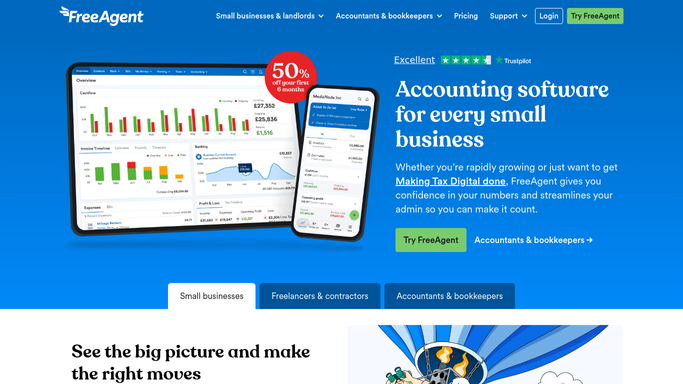
WebRun opens FreeAgent to read the VAT position. - Sign in to FreeAgent and open the current VAT return
- Read the figures and count the days remaining to the filing deadline
- List what still blocks it: invoices without a VAT treatment, expenses missing a receipt, and unexplained bank transactions in the period
Done when The VAT position, the days remaining, and every blocking item are recorded.
-
2
Trello - open a card per blocker
trello.com

WebRun opens Trello to open a card per blocker. - Open a card on your finance board for each blocking item
- Put the amount, the date, and what is missing on the card
- Close cards for items resolved since last week so the board shows only live blockers
Done when Every blocker has a card and every resolved item is closed.
-
3
Gmail - draft the accountant update
gmail.com

WebRun opens Gmail to draft the accountant update. - Draft an email to your accountant with the days remaining, the current VAT figure, and the blocker list
- Order the blockers by value so the biggest gaps get attention first
- Leave the email unsent and file nothing. WebRun never submits a VAT return
Done when The accountant update is drafted in Gmail, waiting for you to send.
How is each run configured?
Secure by default
Connect once, stays signed in
WebRun signs in once and keeps each session in a persistent environment, so every run picks up right where it left off.
Every action is checked against this policy before it runs.
Questions, answered
Will it file the VAT return for me?
No. WebRun never submits a return, locks a period, or files anything with a tax authority. It reads the position, names the blockers, and leaves the filing to you and your accountant.
Does it change my bookkeeping?
No. It reads invoices, expenses, and bank transactions without editing them. Explaining a transaction or fixing a VAT treatment stays a human action in FreeAgent.
Does it email my accountant automatically?
No. The update is left as an unsent Gmail draft. You read it, adjust it, and send it, so nothing reaches your accountant without your approval.
Related templates
Put this on autopilot.
Turn it on in minutes - or have our team set it up for you.