File every document shared in chat where you can find it
Every night, WebRun opens Flock, works through the channels you name, collects every document shared that day with its sender, channel, and date, saves each into a dated Google Drive folder, and posts an index to Slack so the team knows what was filed.
- No credit card
- Under $0.01 per run
- Cancel anytime
How do I archive the files shared in my team chat automatically?
Every night, WebRun opens Flock, works through the channels you name, and collects every document shared that day with its sender, channel, and date. It files each one into a dated Google Drive folder and posts an index to Slack, so nothing important scrolls out of reach.
- Last month's signed document is found in seconds, not by scrolling a channel
- Every file lands in a dated folder with the channel it came from
- The original chat history is left untouched
Built for operations leads · IT admins · office managers · distributed teams
What does WebRun do on every run?
The exact actions WebRun takes, in order - in plain language, so you can adjust anything.
-
WebRun signs in and gets to work
Opens
web.flock.comin a real browser with your saved login - no setup, no API keys. -
1
Flock - collect the day's shared files
flock.com
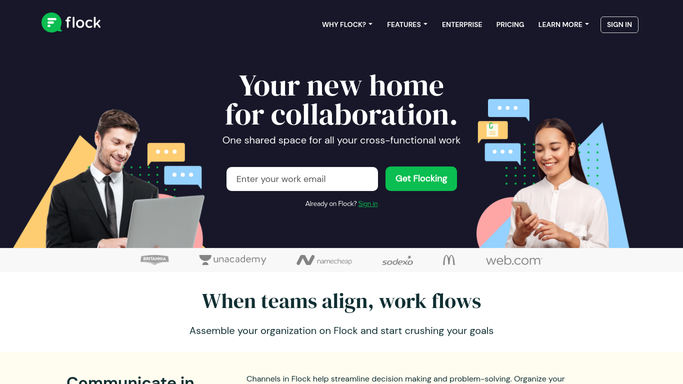
WebRun opens Flock to collect the day's shared files. - Open Flock and go through the channels you listed
- Find every file shared since the last run, with the message it came in
- Capture the file name, who shared it, the channel, and the date
Done when Every file shared today is identified with its sender and channel.
-
2
Slack - post the index of what was filed
slack.com How to Automate Slack

WebRun opens Slack to post the index of what was filed. - Post tonight's index to your operations channel
- List each file with the channel it came from, who shared it, and where it now sits
- Flag anything that looked like a signed document or contract so it gets a second look
Done when The team has tonight's file index in Slack.
-
3
Google Drive - save each file into dated folders
drive.google.com How to Automate Google Drive

WebRun opens Google Drive to save each file into dated folders. - Save each file into a folder named for the date and the source channel
- Name files consistently so search finds them later, for example date, sender, original name
- Skip anything already filed on a previous run. Nothing is removed from Flock
Done when Every file shared today sits in its dated Google Drive folder.
How is each run configured?
Secure by default
Connect once, stays signed in
WebRun signs in once and keeps each session in a persistent environment, so every run picks up right where it left off.
Every action is checked against this policy before it runs.
Questions, answered
Does it delete files from the Flock channel?
No. WebRun copies what was shared into Google Drive and leaves the original message and file exactly where they are, so the chat history stays intact.
Which channels does it read?
Only the ones you list when you turn the template on. Private conversations and channels you leave off the list are never opened.
Will the same file be filed twice?
No. WebRun keeps a record of what it has already archived and skips anything filed on a previous run, even if it is re-shared in another channel.
Related templates
Put this on autopilot.
Turn it on in minutes - or have our team set it up for you.