Keep every client review on schedule automatically
Every Monday, WebRun opens RightCapital, finds clients whose annual review falls within the next 30 days, drafts a personalized meeting-request email for each, and posts your team a ranked Slack digest so no review slips through the cracks.
- No credit card
- Under $0.01 per run
- Cancel anytime
What does WebRun do on every run?
The exact actions WebRun takes, in order - in plain language, so you can adjust anything.
-
WebRun signs in and gets to work
Opens
app.rightcapital.comin a real browser with your saved login - no setup, no API keys. -
1
RightCapital - find clients with reviews due soon
rightcapital.com How to Automate RightCapital

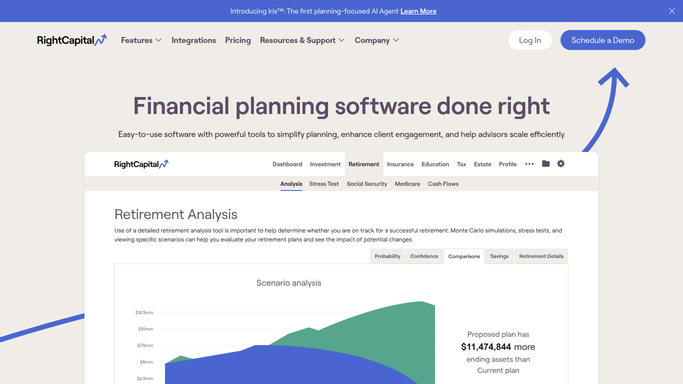
WebRun opens RightCapital to find clients with reviews due soon. - Open RightCapital and navigate to the client list
- Filter for clients whose last review date is 11 months or more ago
- Capture each client's name, advisor, last review date, and account value
- Sort by urgency: overdue first, then soonest upcoming
Done when Every client with a review due in the next 30 days is listed with their advisor and key details.
-
2
Gmail - draft personalized meeting-request emails
gmail.com How to Automate Gmail
WebRun opens Gmail to draft personalized meeting-request emails. - Draft a personalized meeting-request email for each client, referencing their name and the time since their last review
- Leave each email as a draft for the advisor to review and send
- Never send client-facing emails automatically
Done when A draft email sits in Gmail for every client on the review list, ready for advisor approval.
-
3
Slack - post prioritized review digest to advisor team
slack.com How to Automate Slack
WebRun opens Slack to post prioritized review digest to advisor team. - Post this week's review digest to the advisor Slack channel
- List each client with their advisor, days since last review, and a note that a draft email is waiting
- Flag the most overdue clients at the top
Done when Advisors have a ranked review digest in Slack with draft emails ready to send.


How do I automatically remind advisors which clients are due for their annual review?
WebRun checks RightCapital every Monday, identifies clients whose annual review is coming due within 30 days, and drafts a personalized meeting-request email in Gmail for each. It then posts advisors a ranked Slack digest of who needs attention, so every client relationship stays on a consistent review cadence.
- No client review slips past its annual deadline
- Advisors open Monday with a ranked call list and draft emails ready to send
- Client outreach is personalized and consistent without manual tracking
Built for financial advisors · RIAs · wealth management firms · financial planning teams
How is each run configured?
Secure by default
Connect once, stays signed in
WebRun signs in once and keeps each session in a persistent environment, so every run picks up right where it left off.
Every action is checked against this policy before it runs.
Questions, answered
Will it email clients without advisor approval?
No. WebRun drafts every client-facing email in Gmail and leaves it unsent. The advisor reviews and sends it manually, so nothing goes to a client without a human in the loop.
How does it decide which reviews are most urgent?
It sorts by days since the last review recorded in RightCapital, placing the most overdue clients first in the Slack digest so advisors focus on the highest-priority relationships.
What if a client already has a review scheduled?
Advisors can mark those clients in RightCapital before the Monday run, and WebRun skips anyone whose review date has been updated within the last 30 days.
Related templates
Put this on autopilot.
Turn it on in minutes - or have our team set it up for you.