Get a morning digest of invoice activity
Every morning, WebRun opens Fiken, checks new invoices, payments received, and anything overdue, then posts the summary to Slack and flags the oldest overdue invoice on Telegram.
- No credit card
- Under $0.01 per run
- Cancel anytime
How do I get a daily summary of Fiken invoice activity?
WebRun checks your Fiken account every morning, counts new invoices, payments received, and overdue balances since the day before, and posts a short summary to Slack. If one invoice has been unpaid the longest, it also pings Telegram with that customer's name and amount, so nothing overdue gets forgotten.
- A daily read on invoicing and cash without opening Fiken
- The oldest overdue invoice never sits unnoticed
- Finance channel stays current with zero manual checking
Built for Norwegian small businesses · freelancers · bookkeepers · sole traders
What does WebRun do on every run?
The exact actions WebRun takes, in order - in plain language, so you can adjust anything.
-
WebRun signs in and gets to work
Opens
fiken.noin a real browser with your saved login - no setup, no API keys. -
1
Fiken - check invoices and payments
fiken.no
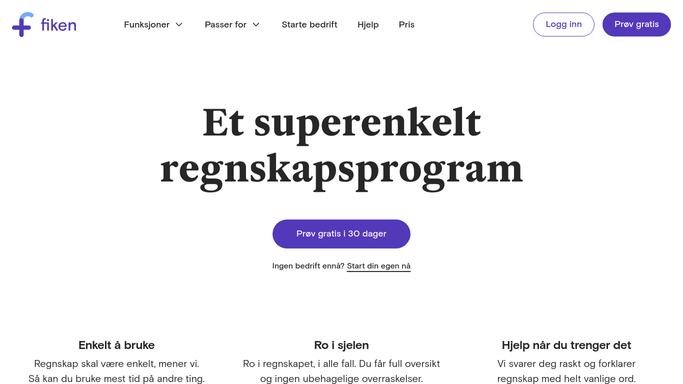
WebRun opens Fiken to check invoices and payments. - Open Fiken and review invoices issued in the last 24 hours
- Check which invoices were marked paid since yesterday
- List invoices that are now past their due date
Done when Yesterday's invoice and payment activity is fully listed.
-
2
Slack - post the daily summary
slack.com How to Automate Slack

WebRun opens Slack to post the daily summary. - Post the count of new invoices, payments received, and total overdue to the finance channel
- Include the total amount outstanding
- Keep the message short enough to read in a few seconds
Done when The finance channel has this morning's Fiken summary.
-
3
Telegram - flag the oldest overdue invoice
telegram.org How to Automate Telegram

WebRun opens Telegram to flag the oldest overdue invoice. - Identify the single oldest overdue invoice
- Send its customer name, amount, and days overdue
- Skip the alert entirely if nothing is overdue
Done when You have a direct ping about the oldest unpaid invoice, if any.
How is each run configured?
Secure by default
Connect once, stays signed in
WebRun signs in once and keeps each session in a persistent environment, so every run picks up right where it left off.
Every action is checked against this policy before it runs.
Questions, answered
Does it change anything in Fiken?
No. It only reads invoice and payment records in Fiken to build the summary. It never creates, edits, or sends anything from your Fiken account.
What counts as overdue?
Any invoice past its due date that Fiken still shows as unpaid. The digest reads the live status each morning, so anything paid overnight drops off automatically.
Will it message my customers?
No. The summary and the overdue ping go only to your own Slack and Telegram, never to a customer.
Related templates
Put this on autopilot.
Turn it on in minutes - or have our team set it up for you.