Get a daily Explo embed usage digest
Every morning, WebRun opens Explo, reads yesterday's embedded dashboard views and any report or chart load errors across your customer accounts, posts a digest to Slack, and sends an extra Telegram ping if any embed actually failed to load.
- No credit card
- Under $0.01 per run
- Cancel anytime
How do I get a daily Explo embedded analytics usage and error check?
WebRun checks yesterday's embedded dashboard usage and any load errors across your customer accounts each morning, posts a digest to Slack, and escalates any actual load failure to Telegram. SaaS product teams catch a broken embedded dashboard before a customer opens it and sees an error themselves.
- A broken embed is caught before a customer sees the error first
- Usage and errors land in Slack every morning without a login
- Only real load failures reach Telegram, keeping it meaningful
Built for SaaS product teams · engineering teams · customer success teams
What does WebRun do on every run?
The exact actions WebRun takes, in order - in plain language, so you can adjust anything.
-
WebRun signs in and gets to work
Opens
explo.coin a real browser with your saved login - no setup, no API keys. -
1
Explo - read embed usage and errors
explo.co
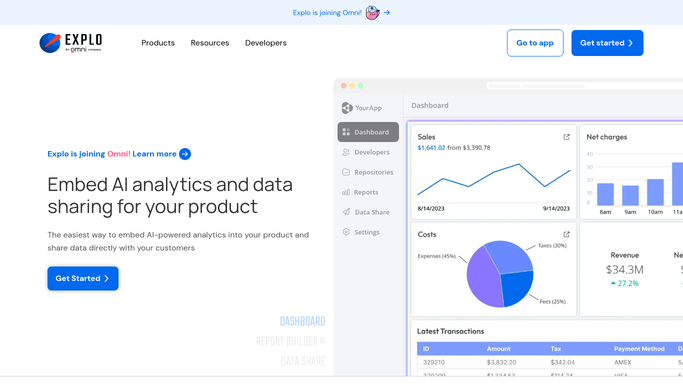
WebRun opens Explo to read embed usage and errors. - Open Explo and check yesterday's embedded dashboard views
- Read any report or chart load errors across customer accounts
- Note which customer accounts were affected
Done when Yesterday's embed usage and errors are read.
-
2
Slack - post the digest
slack.com How to Automate Slack

WebRun opens Slack to post the digest. - Open the product channel in Slack
- Post yesterday's embed views and any load errors
- Group errors by affected customer account
Done when Today's digest is posted in Slack.
-
3
Telegram - escalate load failures
telegram.org How to Automate Telegram

WebRun opens Telegram to escalate load failures. - If any embed actually failed to load, prepare a short escalation
- Send it to the on-call Telegram group
- Name the customer account and the error
Done when Any load failure has been escalated on Telegram.
How is each run configured?
Secure by default
Connect once, stays signed in
WebRun signs in once and keeps each session in a persistent environment, so every run picks up right where it left off.
Every action is checked against this policy before it runs.
Questions, answered
Does WebRun fix the broken embed itself?
No. It only reads usage and error data from Explo. Fixing a broken chart or report configuration stays an engineering task.
Will every customer's usage be listed individually?
The digest groups by account only when there's an error. Normal usage is summarized in total, not broken out customer by customer.
Does it see the data inside a customer's dashboard?
No. It only reads usage and error metadata, not the underlying customer data displayed in the embed.
Related templates
Put this on autopilot.
Turn it on in minutes - or have our team set it up for you.