Draft follow-up emails for open EV charging network quotes
Every morning, WebRun checks your open quote tracker for proposals without a reply, opens AMPECO to pull the latest session or site details for context, drafts a personalised follow-up email in Gmail for each unanswered quote, and logs the action in your pipeline sheet so nothing slips through.
- No credit card
- Under $0.01 per run
- Cancel anytime
What does WebRun do on every run?
The exact actions WebRun takes, in order - in plain language, so you can adjust anything.
-
WebRun signs in and gets to work
Opens
go.ampeco.comin a real browser with your saved login - no setup, no API keys. -
1
Google Sheets - find open unanswered quotes
google.com How to Automate Google Sheets

WebRun opens Google Sheets to find open unanswered quotes. - Open the quote pipeline sheet and filter for rows where status is Sent and last-contact date is more than your configured threshold
- Capture the contact name, email address, quote value, and number of charge points quoted
- Skip any quote already marked as Followed Up this week
Done when Every open unanswered quote older than the threshold has been listed with its contact details.
-
2
AMPECO - pull site or operator context
ampeco.com How to Automate AMPECO
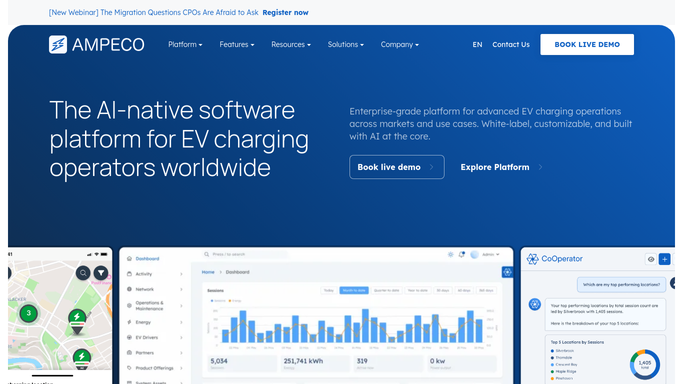
WebRun opens AMPECO to pull site or operator context. - Search AMPECO for the site or operator account linked to each quote
- Read any recent activity such as session volumes, new charge points added, or support tickets
- Use this context to make each follow-up email specific and relevant rather than generic
Done when Each open quote has relevant AMPECO context captured to personalise the draft.
-
3
Gmail - draft follow-up email for review
gmail.com How to Automate Gmail
WebRun opens Gmail to draft follow-up email for review. - Draft a short, polite follow-up email for each unanswered quote using the contact name and quote details
- Reference the specific number of charge points and site name to avoid a generic feel
- Save each email as a Gmail draft and leave it unsent for your review - do not send automatically
Done when A draft follow-up email sits in Gmail for every open quote, ready for review and sending.


How can I automatically draft follow-up emails for open EV charging quotes?
WebRun checks your quote pipeline every morning, finds proposals to site hosts or CPOs that have had no reply beyond your threshold, pulls relevant site context from AMPECO, and saves a personalised follow-up draft in Gmail for each one. A human reviews and sends every email, so nothing goes out without approval.
- No open quote goes more than a week without a personalised follow-up draft ready to send
- Each draft references real site data from AMPECO, not a generic template
- Sales reps save 30 minutes of copy-writing per follow-up round
Built for EV charging sales teams · CPO account managers · charge point operators · e-mobility business development
How is each run configured?
Secure by default
Connect once, stays signed in
WebRun signs in once and keeps each session in a persistent environment, so every run picks up right where it left off.
Every action is checked against this policy before it runs.
Questions, answered
Will it send the follow-up emails automatically?
No. WebRun saves every follow-up as a Gmail draft and leaves it unsent. A human reviews and sends each one, so you stay in control of every customer-facing message.
How does it personalise each draft?
It pulls the site name, number of charge points, and any recent AMPECO activity for that operator so each email references something specific rather than sending a generic nudge.
What if the prospect has already replied via a different channel?
Update the quote status in Google Sheets to Replied and WebRun will skip that row on the next run automatically.
Related templates
Put this on autopilot.
Turn it on in minutes - or have our team set it up for you.