Get a daily digest of open maintenance jobs across your charging network
Every morning, WebRun opens AMPECO to pull outstanding faults and maintenance flags, cross-references them against your open job tracker in Google Sheets, and posts a grouped status digest to your ops Slack channel so the team knows exactly which sites need attention today.
- No credit card
- Under $0.01 per run
- Cancel anytime
What does WebRun do on every run?
The exact actions WebRun takes, in order - in plain language, so you can adjust anything.
-
WebRun signs in and gets to work
Opens
go.ampeco.comin a real browser with your saved login - no setup, no API keys. -
1
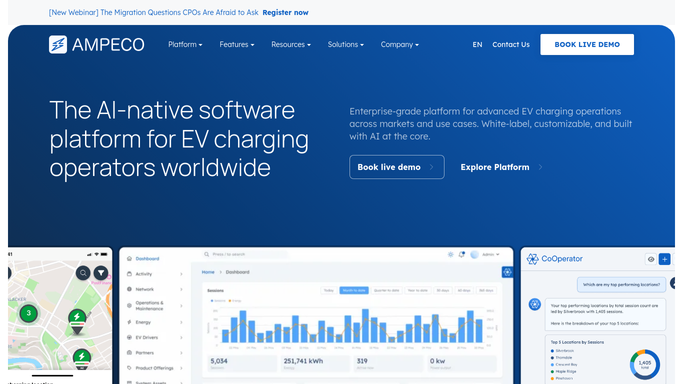
AMPECO - pull open faults and alerts
ampeco.com How to Automate AMPECO

WebRun opens AMPECO to pull open faults and alerts. - Open AMPECO and navigate to the charge point status dashboard
- Filter for charge points with a status of Faulted or Unavailable
- Capture the station name, location, fault type, and time since last session for each
Done when All currently faulted or unavailable charge points have been listed with their details.
-
2
Google Sheets - cross-reference open job tracker
google.com How to Automate Google Sheets
WebRun opens Google Sheets to cross-reference open job tracker. - Open the maintenance job tracker sheet
- Match each AMPECO fault against any existing open job row by station ID
- Flag faults with no existing job as new and faults with an open job as in-progress or overdue
Done when Every fault from AMPECO has been matched to a job status in the tracker.
-
3
Slack - post grouped status digest
slack.com How to Automate Slack
WebRun opens Slack to post grouped status digest. - Post a grouped digest to the ops channel showing new faults, in-progress jobs, and overdue jobs
- Lead with any sites that have been offline for more than 24 hours
- Include a count of total affected charge points and the longest downtime per site
Done when The ops team has today's maintenance digest in Slack grouped by priority.


How do I get a daily summary of open maintenance jobs across my EV charging network?
WebRun pulls faulted and unavailable charge points from AMPECO every morning, cross-references them against your open job tracker in Google Sheets, and posts a grouped digest to your ops Slack channel. The team sees new faults, in-progress jobs, and overdue cases ranked by downtime before the working day begins.
- Ops team starts every day with a single view of all open faults ranked by downtime
- New AMPECO faults with no job ticket are flagged automatically before they slip through
- Sites offline for more than 24 hours are surfaced at the top of every digest
Built for EV network operators · charge point operators · field service ops teams · EV charging platform managers
How is each run configured?
Secure by default
Connect once, stays signed in
WebRun signs in once and keeps each session in a persistent environment, so every run picks up right where it left off.
Every action is checked against this policy before it runs.
Questions, answered
Does it notify site hosts or customers about faults?
No. The digest is an internal Slack post for your ops team only. Any external communication to site hosts is a separate workflow and always drafted for human review before sending.
What if a fault gets resolved between runs?
WebRun reads the live charge point status from AMPECO on every run, so resolved faults are automatically excluded from the next digest.
Can I adjust which faults trigger a priority flag?
Yes. You set the downtime threshold and fault types that trigger the priority flag when you configure the workflow. You can update them in the Google Sheets config tab at any time.
Related templates
Put this on autopilot.
Turn it on in minutes - or have our team set it up for you.