Build your NAUPA report file, ready to submit
Before each state deadline, WebRun opens Simple Escheat, generates the NAUPA-format report file for the jurisdiction that is due, saves it to a dated folder in Dropbox, and posts the team a Slack note with the record count and total so a person can review and submit it.
- No credit card
- Under $0.01 per run
- Cancel anytime
What does WebRun do on every run?
The exact actions WebRun takes, in order - in plain language, so you can adjust anything.
-
WebRun signs in and gets to work
Opens
simpleescheat.comin a real browser with your saved login - no setup, no API keys. -
1
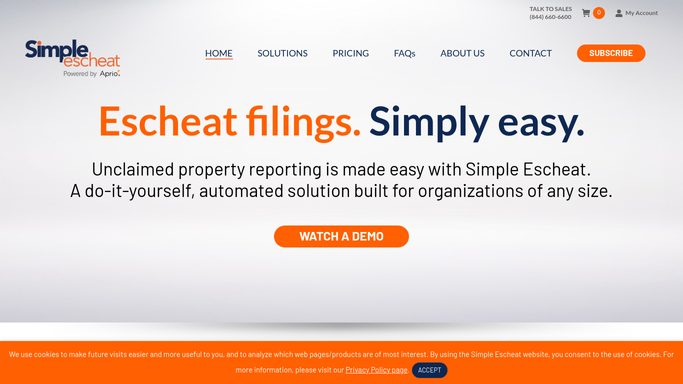
Simple Escheat - generate the NAUPA file
simpleescheat.com How to Automate Simple Escheat

WebRun opens Simple Escheat to generate the NAUPA-format report file. - Open Simple Escheat and select the property ready to file for the state whose deadline is next
- Generate the NAUPA-format output file for that jurisdiction
- Note the record count, total value, and report period the file covers
Done when The NAUPA-format file for the due state is generated with its record count and total.
-
2
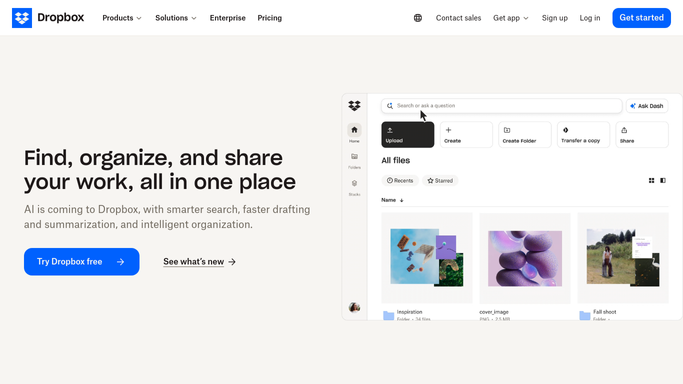
Dropbox - save the file for review
dropbox.com How to Automate Dropbox
WebRun saves the NAUPA file to a dated folder in Dropbox for review. - Save the NAUPA file to a dated, state-named folder in Dropbox
- Keep the generated file untouched so it stays valid for upload to the state portal
- Store it alongside the record count and total so the reviewer has the full context
Done when The NAUPA file sits in a clearly named Dropbox folder ready for review.
-
3
Slack - flag the file as ready to submit
slack.com How to Automate Slack
WebRun posts a Slack note that the NAUPA file is ready for a person to submit. - Post the team a Slack note that the state file is generated and waiting in Dropbox
- Include the jurisdiction, deadline, record count, and total value
- State clearly that a person must review and upload the file to the state portal. WebRun does not submit it
Done when The team has a Slack note that the NAUPA file is ready for a person to submit.

How do I generate a NAUPA report file for state submission automatically?
Before each state deadline, WebRun opens Simple Escheat, generates the NAUPA-format report file for the jurisdiction that is due, and notes its record count and total. It saves the file to a dated Dropbox folder and posts the team a Slack note, leaving a person to review and upload it, so nothing is submitted to a state without human approval.
- The NAUPA file for the next deadline is generated and staged before it is due
- The file is saved with its record count and total, ready to review
- No report is submitted to a state without a person uploading it
Built for unclaimed property analysts · compliance teams · controllers · multi-state filers
How is each run configured?
Secure by default
Connect once, stays signed in
WebRun signs in once and keeps each session in a persistent environment, so every run picks up right where it left off.
Every action is checked against this policy before it runs.
Questions, answered
Will it submit the report to the state itself?
No. WebRun generates the NAUPA file, saves it to Dropbox, and posts a Slack note. A person reviews the file and uploads it to the state portal, so nothing is submitted to a state without human approval.
Is the file in the format states accept?
Yes. It uses Simple Escheat's NAUPA-format output, the standard layout states accept, covering all 50 states, DC, and US territories, so the file the reviewer uploads is ready for the portal.
How does it pick which state to build first?
It generates the file for the jurisdiction whose deadline is next, using the property already marked ready in Simple Escheat, so the most urgent filing is prepared first each time it runs.
Related templates
Put this on autopilot.
Turn it on in minutes - or have our team set it up for you.