Fill open appointment slots from your endodontic waitlist automatically
Each afternoon, WebRun opens TDO Software, identifies any appointment slots that opened during the day, searches the waitlist for patients whose procedure type and availability match the open slot, logs the match to a Google Sheet, and drafts an outreach SMS via Twilio for your coordinator to review and send.
- No credit card
- Under $0.01 per run
- Cancel anytime
What does WebRun do on every run?
The exact actions WebRun takes, in order - in plain language, so you can adjust anything.
-
WebRun signs in and gets to work
Opens
wwww.tdo4endo.comin a real browser with your saved login - no setup, no API keys. -
1
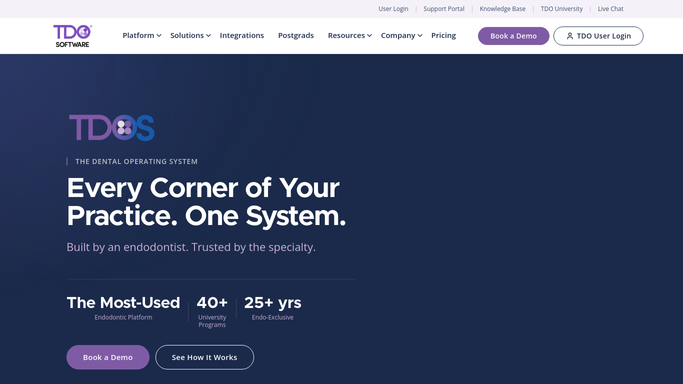
TDO Software - identify open slots and search waitlist for best match
tdo4endo.com How to Automate TDO Software

WebRun opens TDO Software to identify open slots and search waitlist for best match. - Open TDO Software and check today's schedule for newly cancelled or open appointment slots
- Note the open slot date, time, operatory, and procedure type
- Search the waitlist for patients whose requested procedure matches the open slot
- Rank matches by how long each patient has been on the waitlist
Done when Each open slot has at least one ranked waitlist match identified by procedure type and wait time.
-
2
Google Sheets - log slot and match details for coordinator review
google.com How to Automate Google Sheets
WebRun opens Google Sheets to log slot and match details for coordinator review. - Open the Waitlist Routing sheet
- Log the open slot details alongside the top-matched patient name and wait time
- Mark slots that have no viable match so the coordinator can handle them manually
Done when All open slots are logged with their best waitlist match or a no-match flag.
-
3
Twilio - draft outreach SMS for coordinator approval
twilio.com How to Automate Twilio
WebRun opens Twilio to draft outreach SMS for coordinator approval. - Draft a short, friendly outreach SMS for the top-matched patient offering the open slot
- Include the appointment date, time, and a prompt to confirm or decline
- Save the draft in Twilio without sending, for coordinator review and approval
Done when A draft outreach SMS exists in Twilio for the best waitlist match for each open slot, awaiting coordinator approval before any message is sent.


How do I automatically fill open endodontic appointment slots from a waitlist?
WebRun checks TDO Software each afternoon for newly open appointment slots, searches the waitlist for the best-matched patient by procedure type and wait time, logs the pairing in Google Sheets, and drafts an outreach SMS via Twilio for coordinator review. No patient is contacted until a staff member approves the message.
- Open slots matched to the right waitlist patient within hours of a cancellation
- Coordinator reviews every outreach message before a patient is contacted
- Unmatched slots flagged for manual handling so nothing is missed
Built for endodontic coordinators · endodontists · dental specialty scheduling teams · endodontic practice managers
How is each run configured?
Secure by default
Connect once, stays signed in
WebRun signs in once and keeps each session in a persistent environment, so every run picks up right where it left off.
Every action is checked against this policy before it runs.
Questions, answered
Will it contact waitlist patients without coordinator sign-off?
No. Every outreach message is drafted and saved in Twilio as an unsent message. Your coordinator reviews the match and the draft before any patient is contacted about the open slot.
How does it pick the best waitlist match?
WebRun matches on procedure type first, then ranks by how long each patient has been on the waitlist, so the patient who has been waiting longest for that specific procedure gets priority.
What if no waitlist patient matches the open slot?
Slots with no viable waitlist match are flagged in the Google Sheet with a no-match note so your coordinator can handle them manually, such as calling the referring dentist or offering a general scheduling link.
Related templates
Put this on autopilot.
Turn it on in minutes - or have our team set it up for you.