Remind CGM patients to reorder supplies before they run out
Every Monday, WebRun opens NexHealth, finds CGM patients whose resupply window is approaching based on their last dispensing date, drafts a resupply reminder for each patient for staff to review and send, and logs the full batch in Google Sheets for tracking.
- No credit card
- Under $0.01 per run
- Cancel anytime
What does WebRun do on every run?
The exact actions WebRun takes, in order - in plain language, so you can adjust anything.
-
WebRun signs in and gets to work
Opens
nexhealth.com/loginin a real browser with your saved login - no setup, no API keys. -
1
NexHealth - identify CGM patients due for resupply and draft reminder messages
nexhealth.com How to Automate NexHealth

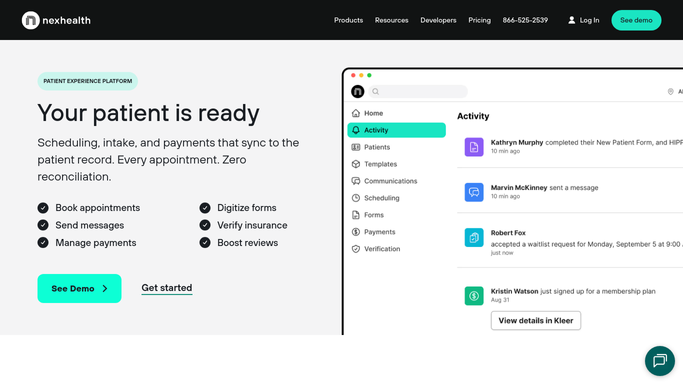
WebRun opens NexHealth to identify CGM patients due for resupply and draft reminder messages. - Open NexHealth and filter patients tagged with CGM or continuous glucose monitor
- Identify patients whose last supply dispensing date is 25 or more days ago
- Capture patient name, preferred contact, device type, and last dispensing date
- Skip patients who have already been reminded in the past 7 days
- Draft a resupply reminder message for each patient inside NexHealth
- Include the patient name, device type, and instructions for ordering or calling the office
- Leave each draft unsent and flagged for staff review before sending
Done when Every due CGM patient is listed and a resupply reminder draft is queued in NexHealth awaiting staff approval.
-
2
Google Sheets - log resupply outreach batch
google.com How to Automate Google Sheets
WebRun opens Google Sheets to log resupply outreach batch. - Open the CGM Resupply Tracker sheet
- Append a row per patient with name, device, last dispensing date, draft status, and run date
- Flag any patient overdue by more than 10 days for priority review
Done when The tracker sheet shows this week's full CGM resupply batch with draft status per patient.

How can I automatically remind CGM patients when their supplies are running low?
Every Monday, WebRun opens NexHealth and identifies CGM patients whose resupply window is approaching based on their last dispensing date. It drafts a personalized reminder for each patient inside NexHealth for staff to review before sending, then logs the full batch in Google Sheets so the practice can track every resupply cycle.
- No CGM patient misses a resupply window each week
- Staff approve every message before it reaches a patient
- A Google Sheets log tracks every resupply cycle for audit and follow-up
Built for endocrinology practices · diabetes management clinics · CGM program coordinators · chronic care management teams
How is each run configured?
Secure by default
Connect once, stays signed in
WebRun signs in once and keeps each session in a persistent environment, so every run picks up right where it left off.
Every action is checked against this policy before it runs.
Questions, answered
Will it message patients about their CGM supplies without staff approval?
No. All resupply reminder messages are drafted inside NexHealth and held for staff review. No message is sent to a patient until a team member approves it, protecting patient privacy and clinical accuracy.
How does it know when a patient is due for resupply?
WebRun reads each patient's last dispensing or order date recorded in NexHealth and flags anyone who is 25 or more days out, which aligns with the typical 30-day CGM supply cycle and leaves a buffer for ordering.
What if a patient already ordered supplies directly through their pharmacy?
If that order is documented in NexHealth, WebRun will see the updated record and skip the patient. If not, the staff member reviewing the draft can cancel it before sending.
Related templates
Put this on autopilot.
Turn it on in minutes - or have our team set it up for you.