Onboard new hires into your Element rooms
Every morning, WebRun checks your Notion new-hire tracker for anyone starting this week, verifies in Element whether they've joined the rooms their team uses, and logs each person's onboarding status into Google Sheets so nothing gets missed before their first day.
- No credit card
- Under $0.01 per run
- Cancel anytime
How do I make sure new hires join the right Element rooms?
WebRun checks your Notion new-hire tracker every morning for anyone starting that week, then checks Element to see whether they've joined the rooms their team uses. It logs each person's status into Google Sheets and highlights anyone still missing a room, so no new hire starts without access to their team's chat.
- New hires get checked for room access before day one
- Missing invites get flagged instead of discovered late
- Onboarding status lives in one tracker, not scattered chats
Built for IT admins · people operations · security-conscious organizations · remote teams
What does WebRun do on every run?
The exact actions WebRun takes, in order - in plain language, so you can adjust anything.
-
WebRun signs in and gets to work
Opens
app.element.ioin a real browser with your saved login - no setup, no API keys. -
1
Notion - find this week's starters
notion.so How to Automate Notion

WebRun opens Notion to find this week's starters. - Open the new-hire tracker page
- Find everyone starting this week and their team
- Note which Element rooms their team uses
Done when Every starter this week is listed with their team's rooms.
-
2
Element - check room membership
element.io
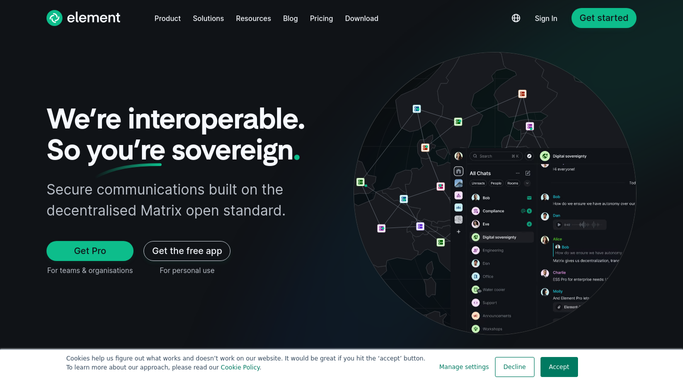
WebRun opens Element to check room membership. - Open Element and check each starter's room membership
- Note which required rooms they still haven't joined
- Flag anyone missing an invite entirely
Done when Every starter's room membership is checked.
-
3
Google Sheets - log onboarding status
google.com How to Automate Google Sheets

WebRun opens Google Sheets to log onboarding status. - Open the onboarding tracker sheet
- Log each starter's room status as complete or missing
- Highlight anyone still missing a room the day before they start
Done when The tracker shows every starter's current room status.
How is each run configured?
Secure by default
Connect once, stays signed in
WebRun signs in once and keeps each session in a persistent environment, so every run picks up right where it left off.
Every action is checked against this policy before it runs.
Questions, answered
Does WebRun add people to Element rooms automatically?
No. It only checks and reports who's missing a room. Adding or inviting someone into an Element room stays a manual step for an admin.
Where does the new-hire list come from?
Your existing Notion new-hire tracker. WebRun reads who's starting this week and which team they're joining from that page.
What if someone is missing a room the day before they start?
The Google Sheets tracker highlights it, so whoever manages onboarding sees the gap in time to fix it before day one.
Related templates
Put this on autopilot.
Turn it on in minutes - or have our team set it up for you.