Automated Dynatrace SLO Weekly Review
Every Monday, WebRun opens Dynatrace, reads every service level objective and the error budget it burned over the last seven days, notes which services and hosts are trending toward a breach, logs the week's numbers in Airtable, and writes a Notion review page for your engineering leads.
How do I review which services burned error budget this week?
WebRun opens Dynatrace every Monday, reads each service level objective and how much error budget it burned over the last seven days, and ranks the services trending toward a breach. It logs the week's numbers in Airtable and writes a Notion review page your engineering leads read before planning.
- Leads see budget burn before a breach, not after
- Weekly numbers accumulate in Airtable so trends are visible
- The review page is written before planning starts, every Monday
Built for engineering leads · SRE teams · platform teams · DevOps managers
What does WebRun do on every run?
The exact actions WebRun takes, in order - in plain language, so you can adjust anything.
-
WebRun signs in and gets to work
Opens
www.dynatrace.comin a real browser with your saved login - no setup, no API keys. -
1
Dynatrace - read SLOs and error budget
dynatrace.com
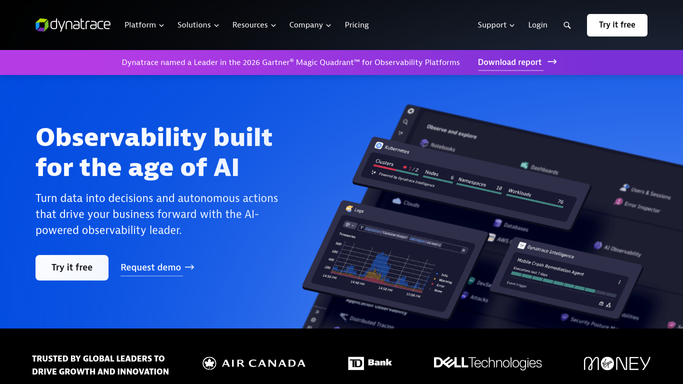
WebRun opens Dynatrace to read SLOs and error budget. - Open Dynatrace and list the service level objectives across your management zones
- For each objective, read the current status, the target, and the error budget remaining
- Work out how much budget was consumed over the last seven days and by which services or hosts
- Read the data only. Never change an objective, silence an alert, or edit a configuration
Done when Every objective has a seven-day burn figure and its remaining budget.
-
2
Airtable - log the weekly burn
airtable.com

WebRun opens Airtable to log the weekly burn. - Open your reliability base in Airtable and add this week's row per objective
- Write the target, the achieved figure, the budget consumed, and the budget left
- Compare against the previous weeks already in the base and mark the direction of travel
Done when This week's burn is logged next to the running history for every objective.
-
3
Notion - write the review page
notion.so

WebRun opens Notion to write the review page. - Write this week's reliability review page in Notion
- Rank objectives by how fast they are burning budget, with anything on track to breach at the top
- Name the services and management zones behind each burn so the work has an owner
Done when Your leads have a ranked review page before the week's planning.
How is each run configured?
Secure by default
Connect once, stays signed in
WebRun signs in once and keeps each session in a persistent environment, so every run picks up right where it left off.
Every action is checked against this policy before it runs.
Questions, answered
Does it change anything in Dynatrace?
No. WebRun reads your objectives, their targets, and the error budget figures. It never edits an objective, silences an alert, or touches a configuration, so your monitoring setup is unchanged.
How is this different from incident alerts?
It is the weekly step back. Incident alerts fire per problem, while this run summarises seven days of error budget burn per objective, so leads can plan work instead of firefighting.
What if an objective has no budget left?
It goes to the top of the Notion review page, named with the services behind the burn, so the breach is discussed at planning rather than discovered at the end of the period.
Related templates
Put this on autopilot.
Turn it on in minutes - or have our team set it up for you.