Catch application problems the moment Davis finds them
Every few minutes, WebRun opens Dynatrace, checks for problems newly opened by Davis AI's anomaly detection, saves the root cause analysis to a Google Drive folder for the on call record, and posts an alert to Slack naming the affected application and the root cause so the team can start investigating right away.
- No credit card
- Under $0.01 per run
- Cancel anytime
How do I get alerted the moment Dynatrace opens a new problem?
WebRun checks Dynatrace every few minutes for problems newly opened by Davis AI's anomaly detection. It saves the root cause analysis to Google Drive for the incident record, and posts a Slack alert naming the application and cause, so the team can start investigating within minutes of a problem opening.
- New problems reach the on call channel within minutes of opening
- Root cause analysis is archived automatically for the incident record
- The team starts investigating with the cause already in hand
Built for SRE teams · application support teams · platform engineers · observability teams
What does WebRun do on every run?
The exact actions WebRun takes, in order - in plain language, so you can adjust anything.
-
WebRun signs in and gets to work
Opens
www.dynatrace.comin a real browser with your saved login - no setup, no API keys. -
1
Dynatrace - check for newly opened problems
dynatrace.com
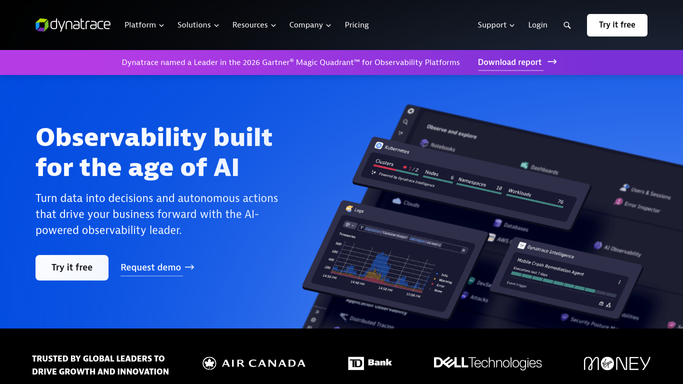
WebRun opens Dynatrace to check for newly opened problems. - Open Dynatrace and check for problems newly opened since the last run
- Capture the affected application, severity, and Davis AI's root cause analysis
- Skip problems already alerted on
Done when Every newly opened problem is listed with its application and root cause.
-
2
Google Drive - save the root cause details
drive.google.com How to Automate Google Drive

WebRun opens Google Drive to save the root cause details. - Save the root cause analysis for each newly opened problem to the incident folder
- Name the file with the application and the time it opened
- Keep a running folder so incident history is easy to review
Done when Every newly opened problem has its root cause analysis saved to Drive.
-
3
Slack - alert the team
slack.com How to Automate Slack

WebRun opens Slack to alert the team. - Post an alert to the on call channel naming the application and root cause
- Show the severity so the most serious problems stand out
- Link the saved analysis in Drive
Done when The on call channel has an alert for every newly opened problem.
How is each run configured?
Secure by default
Connect once, stays signed in
WebRun signs in once and keeps each session in a persistent environment, so every run picks up right where it left off.
Every action is checked against this policy before it runs.
Questions, answered
Will it fix the problem or restart a service?
No. WebRun only reports what Davis AI already found. Fixing the problem is always done by your on call engineer.
Does WebRun do its own root cause analysis?
No. It reads and saves the root cause analysis Dynatrace's Davis AI already produces.
How fast does a new problem reach the team?
Within a few minutes of Dynatrace opening it, since the check runs every few minutes.
Related templates
Put this on autopilot.
Turn it on in minutes - or have our team set it up for you.