Capture each new diver's agency and cert level at signup
Every few minutes, WebRun opens Diversdesk, finds newly registered divers, reads the certification agency and level from their registration, confirms it is recorded on their profile, logs each to a Google Sheet, and flags any diver missing cert details to staff in Slack.
- No credit card
- Under $0.01 per run
- Cancel anytime
What does WebRun do on every run?
The exact actions WebRun takes, in order - in plain language, so you can adjust anything.
-
WebRun signs in and gets to work
Opens
app.diversdesk.comin a real browser with your saved login - no setup, no API keys. -
1
Diversdesk - read agency and cert level at signup
diversdesk.com How to Automate Diversdesk

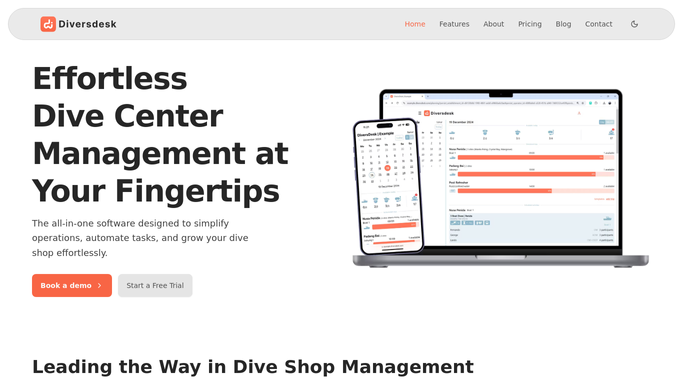
WebRun opens Diversdesk to read agency and cert level at signup. - Open Diversdesk and list divers registered since the last run
- Read the certification agency, level, and cert number from each registration
- Confirm the agency and level are recorded on the diver's profile
- Note any diver whose agency, level, or cert number is blank
Done when Every new diver's certification details have been read and checked on their profile.
-
2
Google Sheets - log certification records
google.com How to Automate Google Sheets
WebRun opens Google Sheets to log certification records. - Open the Certification Log sheet
- Add each new diver as a row with their agency, level, cert number, and signup date
- Mark rows where the agency or level is missing so gaps are easy to see
- Keep the log deduplicated so a diver is not added twice
Done when The Certification Log has a row for every new diver with any gaps marked.
-
3
Slack - flag missing cert details
slack.com How to Automate Slack
WebRun opens Slack to flag missing cert details. - Post a short note to the staff channel listing new divers whose certification details are incomplete
- Suggest which field is missing so staff can follow up at check-in
Done when Staff have a Slack note of any new divers with incomplete certification details.


How do I capture a new diver's certification agency and level at signup?
WebRun watches Diversdesk for new diver signups every few minutes, reads each one's certification agency, level, and cert number, and confirms it is on their profile. It logs every diver to a Google Sheet and posts staff a Slack note whenever cert details are incomplete, so gaps are caught before the first dive.
- Every new diver's agency and level is on record from day one
- Staff see incomplete cert details in Slack within minutes of signup
- The certification log stays deduplicated and gap-marked automatically
Built for dive shops · dive centers · scuba schools · dive travel operators
How is each run configured?
Secure by default
Connect once, stays signed in
WebRun signs in once and keeps each session in a persistent environment, so every run picks up right where it left off.
Every action is checked against this policy before it runs.
Questions, answered
Does it contact the diver about missing cert details?
No. It only updates an internal Google Sheet and posts a Slack note for staff. Following up with the diver stays with your team, who can ask at check-in or by their usual channel.
Where do the certification details come from?
It reads the agency, level, and cert number from each new registration in Diversdesk and confirms they are on the diver's profile. It does not invent or guess any value.
What happens when a cert level is blank?
It marks the row in the Certification Log and names the missing field in the Slack note, so staff know exactly what to confirm with that diver.
Related templates
Put this on autopilot.
Turn it on in minutes - or have our team set it up for you.