Alert staff the moment a trip fills to its diver limit
Every few minutes, WebRun opens Diversdesk, reads the booked count against the capacity for each upcoming trip, and when a trip reaches its maximum diver count it posts the team a Slack alert and pings the trip lead in Telegram so the shop can close bookings, add a guide, or open a second boat.
- No credit card
- Under $0.01 per run
- Cancel anytime
What does WebRun do on every run?
The exact actions WebRun takes, in order - in plain language, so you can adjust anything.
-
WebRun signs in and gets to work
Opens
app.diversdesk.comin a real browser with your saved login - no setup, no API keys. -
1
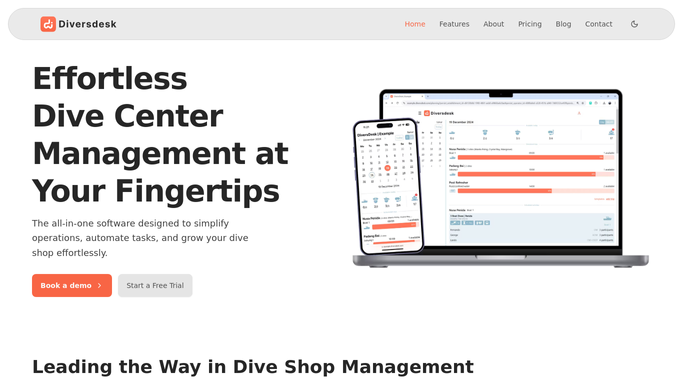
Diversdesk - check booked count against capacity
diversdesk.com How to Automate Diversdesk

WebRun opens Diversdesk to check booked count against capacity. - Open Diversdesk and list upcoming trips with their capacity and current booked count
- Flag any trip where the booked count has reached or is one spot from its maximum
- Capture the trip name, date, guide, and how many divers are booked
- Skip trips already flagged as full on a previous run
Done when Every upcoming trip at or near its diver limit is identified.
-
2
Slack - alert the team on full trips
slack.com How to Automate Slack
WebRun opens Slack to alert the team on full trips. - Post an alert to the team channel naming each newly full trip, its date, and its guide
- Note whether the trip is at the limit or one spot away
- Suggest next steps like closing bookings, adding a guide, or opening a second boat
Done when The team has a Slack alert for every trip that just hit its limit.
-
3
Telegram - ping the trip lead
telegram.org How to Automate Telegram
WebRun opens Telegram to ping the trip lead. - Send the assigned trip lead a Telegram ping that their trip is now full
- Include the date and the booked count so they can act without opening the system
Done when The trip lead has a Telegram ping for each full trip they run.


How do I get alerted when a dive trip reaches its maximum divers?
WebRun checks upcoming trips in Diversdesk every few minutes, comparing the booked count to each trip's capacity. When a trip reaches its maximum diver count, it posts the team a Slack alert and pings the trip lead in Telegram, so staff can close bookings, add a guide, or open a second boat before the trip is oversubscribed.
- Staff know within minutes when a trip fills, not at check-in
- The trip lead is pinged directly so they can act fast
- No duplicate alerts, because full trips are only flagged once
Built for dive shops · dive centers · dive boat operators · scuba tour operators
How is each run configured?
Secure by default
Connect once, stays signed in
WebRun signs in once and keeps each session in a persistent environment, so every run picks up right where it left off.
Every action is checked against this policy before it runs.
Questions, answered
Does it change bookings or close the trip itself?
No. It only alerts your team in Slack and pings the trip lead in Telegram. Closing bookings, adding a guide, or opening a second boat stays a staff decision, made from the alert.
Will I get repeat alerts for the same full trip?
No. It remembers trips already flagged as full and only alerts when a trip newly reaches or nears its limit, so the channel does not fill with duplicates.
Can it warn me before a trip is completely full?
Yes. It flags trips that are one spot from the maximum as well as full ones, so staff can decide whether to add capacity before the last seat goes.
Related templates
Put this on autopilot.
Turn it on in minutes - or have our team set it up for you.