Escalate DingTalk approvals stuck in review
Every hour during the workday, WebRun opens DingTalk, finds approval requests that have been waiting past your threshold, saves any attached receipts or documents to Google Drive, and posts an alert to Slack naming the approver who needs to act.
- No credit card
- Under $0.01 per run
- Cancel anytime
How do I stop DingTalk approval requests from stalling?
WebRun checks DingTalk every hour for approval requests, like leave or expense claims, that have waited past your threshold. It saves any attached receipts to Google Drive, then posts a Slack alert naming the approver so nothing stalls in the queue past the deadline you set.
- Approvals stuck past your threshold get flagged the same hour
- Every approval attachment is backed up to Drive automatically
- Approvers get a named Slack nudge instead of a buried notification
Built for Operations teams · HR and finance approvers · China-based enterprises · IT admins
What does WebRun do on every run?
The exact actions WebRun takes, in order - in plain language, so you can adjust anything.
-
WebRun signs in and gets to work
Opens
www.dingtalk.comin a real browser with your saved login - no setup, no API keys. -
1
DingTalk - find approvals waiting too long
dingtalk.com
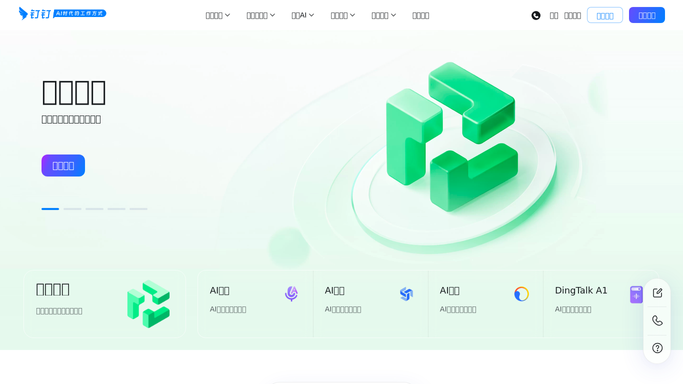
WebRun opens DingTalk to find approvals waiting too long. - Open DingTalk and go to the Approval workflow list
- Filter to requests still pending after your set wait time
- Note the requester, approver, and request type for each
Done when Every approval stuck past the threshold is listed with its approver.
-
2
Google Drive - save attached documents
drive.google.com How to Automate Google Drive

WebRun opens Google Drive to save attached documents. - Open each stalled request's attached receipts or files
- Save a copy into a dated Google Drive folder
- Skip requests with no attachments
Done when Every attachment from a stalled request is backed up to Drive.
-
3
Slack - alert the approver
slack.com How to Automate Slack

WebRun opens Slack to alert the approver. - Post the stalled approvals to the approvals channel
- Tag each approver by name next to their pending item
- Leave the approval decision to the approver. WebRun never approves or rejects on its own
Done when Approvers have today's stalled list waiting in Slack.
How is each run configured?
Secure by default
Connect once, stays signed in
WebRun signs in once and keeps each session in a persistent environment, so every run picks up right where it left off.
Every action is checked against this policy before it runs.
Questions, answered
Will WebRun approve or reject requests on its own?
No. It only finds approvals stuck past your wait threshold and alerts the approver in Slack. Every approval decision stays with a human in DingTalk.
What happens to attachments on a stalled request?
WebRun saves a copy of any receipts or documents into Google Drive so nothing is lost while the approval waits, without touching the original DingTalk record.
How long does a request wait before it's flagged?
You set the threshold. WebRun checks DingTalk every hour during the workday and only flags requests that have sat past that wait time.
Related templates
Put this on autopilot.
Turn it on in minutes - or have our team set it up for you.