Find the posts asking about your product before the thread goes cold
Every morning, WebRun opens DEV Community, reads new posts and comments under the tags you follow, picks out the ones asking about your product or the problem it solves, drafts a helpful answer for each, emails you the shortlist through Gmail, and books a short slot to review and reply.
- No credit card
- Under $0.01 per run
- Cancel anytime
How do I find developer posts asking about my product?
WebRun opens DEV Community every morning, reads the new posts and comments under the tags you follow, and picks out the ones asking about your product or its problem space. It drafts an answer for each, emails you the ranked shortlist through Gmail, and books a slot to reply before the thread goes cold.
- Threads get answered while they are still active
- Every shortlisted post arrives with a drafted answer
- Nothing is posted publicly without a person approving it
Built for developer relations teams · technical founders · product marketers · open source maintainers
What does WebRun do on every run?
The exact actions WebRun takes, in order - in plain language, so you can adjust anything.
-
WebRun signs in and gets to work
Opens
dev.toin a real browser with your saved login - no setup, no API keys. -
1
DEV Community - scan tags for relevant posts
dev.to
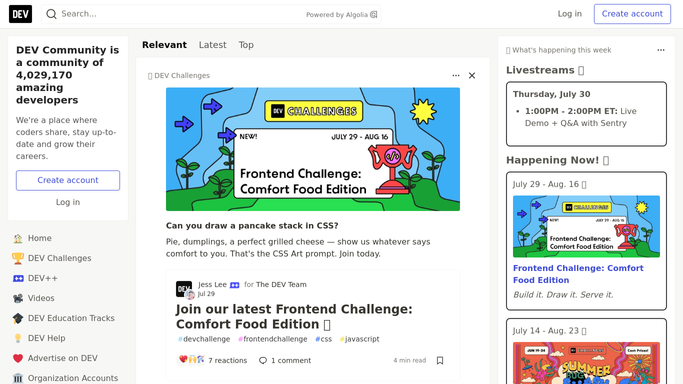
WebRun opens DEV Community to scan tags for relevant posts. - Open DEV Community and read the newest posts under each tag you follow
- Pick out posts and comments that name your product, a competitor, or the problem space you work in
- Capture the post title, the author, the tag, the age, and the question being asked, then draft an answer without posting it
Done when Every relevant post from the last day has a drafted answer, unposted.
-
2
Gmail - email you the drafted answers
gmail.com How to Automate Gmail

WebRun opens Gmail to email you the drafted answers. - Email yourself the shortlist with the post link, the question, and the drafted answer under each
- Rank threads by how directly they ask about your product and how recent they are
- Say plainly in the email that nothing has been posted to DEV Community
Done when The shortlist and drafts are in your inbox.
-
3
Google Calendar - book time to reply
calendar.google.com How to Automate Google Calendar

WebRun opens Google Calendar to book time to reply. - Create a short private hold in your own calendar to work through the shortlist
- Put the number of threads waiting in the event title
- Skip the hold on days when nothing relevant came up
Done when A reply slot is booked whenever there are threads worth answering.
How is each run configured?
Secure by default
Connect once, stays signed in
WebRun signs in once and keeps each session in a persistent environment, so every run picks up right where it left off.
Every action is checked against this policy before it runs.
Questions, answered
Will it post comments on DEV Community?
No. Every answer is drafted and emailed to you unposted. A public comment carries your name and your company's reputation, so a person reads it and posts it themselves.
How does it pick which threads matter?
From the tags you follow and the terms you give it: your product name, competitor names, and the problem phrases your users type. Each thread is ranked by relevance and how recent it is.
Will it show me the same thread every morning?
No. Threads you have already seen are marked and skipped, so each morning's shortlist only carries posts and comments that are new since the last run.
Related templates
Put this on autopilot.
Turn it on in minutes - or have our team set it up for you.