Reconcile Datafold migration diffs every run
Every morning, WebRun opens Datafold, reads the latest data diff results comparing source and target tables, logs any table with a meaningful row or value mismatch to Airtable, and writes a validation summary into Notion for the migration team.
- No credit card
- Under $0.01 per run
- Cancel anytime
How do I catch data migration mismatches with Datafold before cutover?
WebRun checks Datafold's latest data diff results every morning, logs any table with a meaningful source to target mismatch to Airtable, and writes a validation summary in Notion for the migration team. Data engineering teams catch a migration mismatch before cutting over and switching off the old system for good.
- A migration mismatch is caught before cutover, not after
- A dated validation history builds up across the whole migration
- Tables matching cleanly are confirmed, not just assumed
Built for data engineering teams · database migration teams · analytics engineering teams
What does WebRun do on every run?
The exact actions WebRun takes, in order - in plain language, so you can adjust anything.
-
WebRun signs in and gets to work
Opens
app.datafold.comin a real browser with your saved login - no setup, no API keys. -
1
Datafold - read the diff results
datafold.com
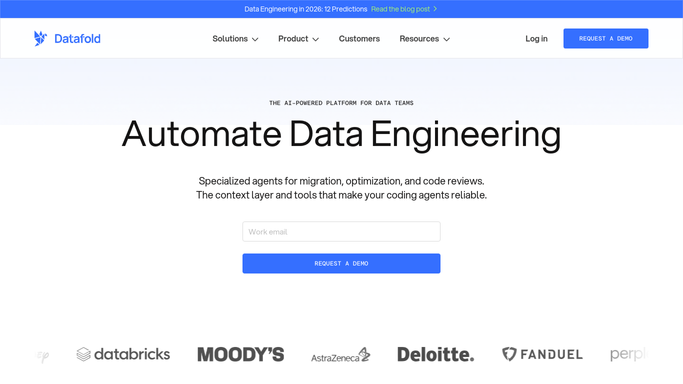
WebRun opens Datafold to read the diff results. - Open Datafold and check the latest data diff run
- Read the row count and value match percentage for each compared table
- Flag any table below your match threshold
Done when Every compared table's diff result is read.
-
2
Airtable - log any mismatch
airtable.com How to Automate Airtable

WebRun opens Airtable to log any mismatch. - Open the migration validation base in Airtable
- Log any table with a mismatch and its match percentage
- Keep a dated history across the migration
Done when Any mismatch today is logged with its match percentage.
-
3
Notion - write the validation summary
notion.so How to Automate Notion

WebRun opens Notion to write the validation summary. - Open the migration validation page in Notion
- Summarize which tables matched cleanly and which need review
- Link back to the Airtable log for full detail
Done when The validation summary reflects today's diff run.
How is each run configured?
Secure by default
Connect once, stays signed in
WebRun signs in once and keeps each session in a persistent environment, so every run picks up right where it left off.
Every action is checked against this policy before it runs.
Questions, answered
Does WebRun fix the mismatched data itself?
No. It only reads diff results from Datafold and reports mismatches. Fixing the source data or the migration logic stays a manual task.
What counts as a meaningful mismatch?
Any table falling below the match percentage threshold you set. Tables matching cleanly are just logged as passed, not flagged.
Can this replace manual sign off before a cutover?
No. It's meant to surface mismatches for a human reviewer, not to approve a migration cutover on its own.
Related templates
Put this on autopilot.
Turn it on in minutes - or have our team set it up for you.