Act on Dashlane dark web alerts the day they appear
Every morning, WebRun opens Dashlane, reads the dark web alerts raised since yesterday, works out which member and which saved login each one affects, opens a row per alert in Airtable, and drafts a reset email to each affected member for you to review and send.
- No credit card
- Under $0.01 per run
- Cancel anytime
How do I act on dark web password alerts the day they appear?
Every morning WebRun opens Dashlane, reads the dark web alerts raised since yesterday, and works out which member and saved login each one affects. It logs every alert in Airtable with an owner and status, then drafts a reset email per member in Gmail for you to approve, so a breached credential is handled today.
- Breached credentials are triaged the same day, not in next week's report
- Every alert has a named owner and a status you can check
- Shared collection logins are handled first, so one reset covers several people
Built for IT admins · security teams · small business owners · managed service providers
What does WebRun do on every run?
The exact actions WebRun takes, in order - in plain language, so you can adjust anything.
-
WebRun signs in and gets to work
Opens
app.dashlane.comin a real browser with your saved login - no setup, no API keys. -
1
Dashlane - read new dark web alerts
dashlane.com
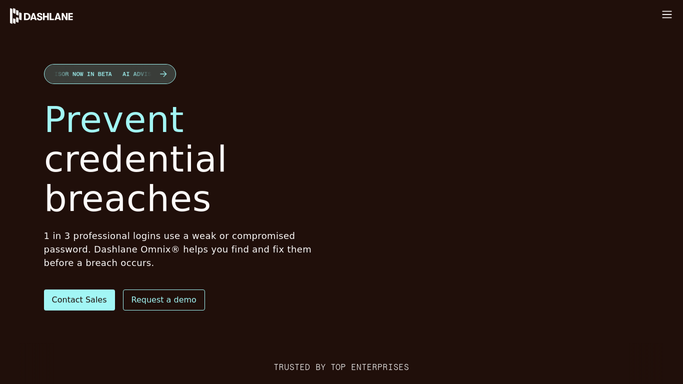
WebRun opens Dashlane to read new dark web alerts. - Open Dashlane and go to the dark web monitoring alerts
- Capture every alert raised since yesterday with the affected email address and the breached service
- Match each alert to the member it belongs to and note whether the login sits in a shared collection
Done when Every new alert has a member, a service and a saved login attached.
-
2
Airtable - log each alert and its owner
airtable.com How to Automate Airtable

WebRun opens Airtable to log each alert and its owner. - Open one row per alert with the member, the service, the date raised and the status
- Put shared collection logins at the top, because one reset covers several people
- Close rows automatically once the password health score for that login recovers
Done when Every alert is logged with an owner and a status.
-
3
Gmail - draft the reset emails
gmail.com How to Automate Gmail

WebRun opens Gmail to draft the reset emails. - Draft one message per affected member naming the service and what to change
- Keep the wording plain and free of the exposed credential itself
- Leave every message in Drafts. WebRun never sends a security email on its own
Done when A reset email sits in Drafts for every affected member.
How is each run configured?
Secure by default
Connect once, stays signed in
WebRun signs in once and keeps each session in a persistent environment, so every run picks up right where it left off.
Every action is checked against this policy before it runs.
Questions, answered
Will it email staff about a breach without me?
No. Every reset email is left in Gmail Drafts for you to read and send. Only the internal Airtable log is written automatically.
Does it change any passwords itself?
No. WebRun reads alerts and writes them down. Changing a password stays with the member who owns it, prompted by the email you approve.
Are the exposed credentials copied anywhere?
No. The log records the member, the breached service and the date. The password itself is never read out of Dashlane or written into Airtable or an email.
Related templates
Put this on autopilot.
Turn it on in minutes - or have our team set it up for you.