Draft review requests for customers after every pickup
After each pickup cycle closes, WebRun opens Local Line, finds customers who just completed a fulfillment, drafts a personalized review request email in Gmail for each one, and leaves the drafts for you to review and send at your own pace.
- No credit card
- Under $0.01 per run
- Cancel anytime
What does WebRun do on every run?
The exact actions WebRun takes, in order - in plain language, so you can adjust anything.
-
WebRun signs in and gets to work
Opens
app.localline.coin a real browser with your saved login - no setup, no API keys. -
1
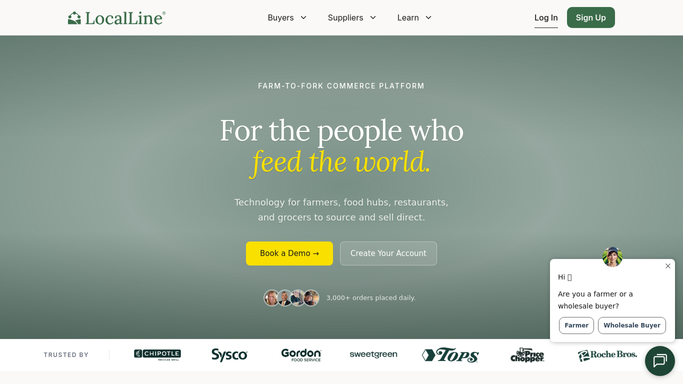
Local Line - find customers with completed fulfillments
localline.co How to Automate Local Line

WebRun opens Local Line to find customers with completed fulfillments. - Open Local Line and navigate to the Orders section
- Filter to orders marked as fulfilled or picked up in the most recent cycle
- Capture each customer's name, email address, and the products they received
- Skip customers who already received a review request in the past 60 days
Done when All eligible customers from the latest fulfillment cycle are listed with their contact details.
-
2
Gmail - draft a review request per customer
gmail.com How to Automate Gmail
WebRun opens Gmail to draft a review request per customer. - For each customer, compose a short, warm review request that names the products they ordered
- Include a direct link to your preferred review platform (Google, Yelp, or farm website)
- Save each email as a Gmail draft, addressed and ready to send
- Never send the email without your explicit approval
Done when A review request draft exists in Gmail for every eligible customer, unsent and awaiting your approval.

How do I automatically draft review request emails after CSA pickups?
After each Local Line pickup cycle, WebRun finds every customer who just received an order, drafts a warm, personalized review request in Gmail naming the products they got, and saves each email as a draft for your approval. No email is sent until you review and click send yourself.
- Every fulfilled customer gets a personalized review request without manual effort
- Emails are never sent without your approval
- Review volume grows consistently each pickup cycle
Built for CSA farms · farm stand operators · direct-to-consumer farms · small farm owners
How is each run configured?
Secure by default
Connect once, stays signed in
WebRun signs in once and keeps each session in a persistent environment, so every run picks up right where it left off.
Every action is checked against this policy before it runs.
Questions, answered
Will it send the review request emails automatically?
No. Every email is saved as a Gmail draft only. WebRun never sends a message to a customer without your explicit approval, so you review each one before it leaves your inbox.
How does it know what each customer ordered?
WebRun reads the fulfilled order details from Local Line and personalizes each draft with the specific products that customer received in their last pickup.
Can I change the review link it uses?
Yes. During setup you provide the URL you want customers to visit, and WebRun uses that link in every draft.
Related templates
Put this on autopilot.
Turn it on in minutes - or have our team set it up for you.