Route new online farm orders to the right team instantly
Every hour, WebRun opens Local Line, picks up any new orders that have not yet been assigned, determines the correct team member or packing station based on order type and delivery zone, posts a routing alert to the relevant Slack channel, and logs each routed order in Google Sheets for tracking.
- No credit card
- Under $0.01 per run
- Cancel anytime
What does WebRun do on every run?
The exact actions WebRun takes, in order - in plain language, so you can adjust anything.
-
WebRun signs in and gets to work
Opens
app.localline.coin a real browser with your saved login - no setup, no API keys. -
1
Local Line - pick up new unassigned orders
localline.co How to Automate Local Line

WebRun opens Local Line to pick up new unassigned orders. - Open Local Line and filter orders to those placed since the last run and not yet assigned
- For each new order, capture order ID, customer name, products, order type (CSA box, farm stand, wholesale), and delivery zone
- Determine the correct routing rule: packing station, delivery driver, or team lead based on order type and zone
Done when All new unassigned orders are captured with their routing assignments.
-
2
Slack - post a routing alert to the correct team channel
slack.com How to Automate Slack
WebRun opens Slack to post a routing alert to the correct team channel. - Post a routing alert to the correct Slack channel for each order type
- Include the order ID, customer name, items, and who it has been routed to
- Tag the assigned team member so they see it immediately
Done when Every new order has a Slack routing alert in the correct channel.
-
3
Google Sheets - log each routed order for tracking
google.com How to Automate Google Sheets
WebRun opens Google Sheets to log each routed order for tracking. - Open the order routing tracker sheet
- Append a row for each routed order with order ID, customer, order type, assigned team member, and timestamp
- Mark the routing status as assigned
Done when All routed orders are logged in the Google Sheet with assignment details.
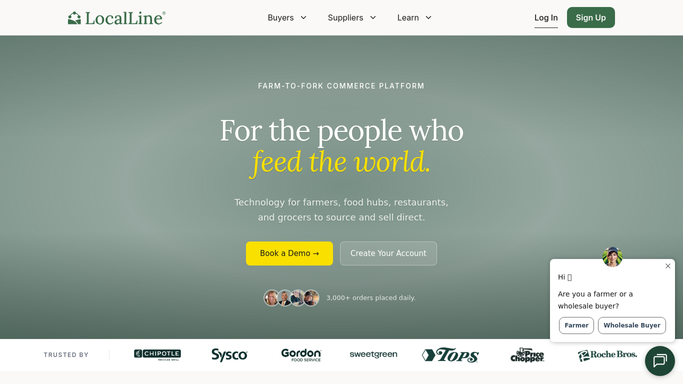


How do I automatically route new farm orders to the right team member as soon as they arrive?
Every hour, WebRun opens Local Line, picks up every new unassigned order, and routes it to the correct Slack channel and team member based on order type, delivery zone, and your routing rules. Each routed order is also logged in Google Sheets, so your team always knows what is coming and who is handling it.
- Every new order is routed to the right person within the hour it arrives
- No order sits unassigned or falls through the cracks between shifts
- A Google Sheets log gives managers a full view of all routed orders in real time
Built for CSA farms · farm stand operators · direct-to-consumer farms · farm operations managers
How is each run configured?
Secure by default
Connect once, stays signed in
WebRun signs in once and keeps each session in a persistent environment, so every run picks up right where it left off.
Every action is checked against this policy before it runs.
Questions, answered
Does it modify or fulfill the orders in Local Line?
No. WebRun reads and routes only. All order fulfillment, packing, and status updates happen in Local Line by your team.
How does it decide which team member or channel to route to?
You configure routing rules during setup: for example, CSA boxes go to the packing team channel, wholesale orders go to the sales lead, and delivery orders are tagged to the driver on that zone.
What if an order does not match any routing rule?
WebRun posts the unmatched order to a catch-all Slack channel and logs it as unrouted in Google Sheets so nothing is silently skipped.
Related templates
Put this on autopilot.
Turn it on in minutes - or have our team set it up for you.