Offer recovery add-ons to your regular members
Every Monday, WebRun opens HelmBot, finds regular members who visit often but have never booked a recovery add-on like compression boots or red light therapy, confirms the current add-on price and payment link in Stripe, and drafts a personal upsell offer in Mailchimp for your team to review and send.
- No credit card
- Under $0.01 per run
- Cancel anytime
What does WebRun do on every run?
The exact actions WebRun takes, in order - in plain language, so you can adjust anything.
-
WebRun signs in and gets to work
Opens
app.helmbot.comin a real browser with your saved login - no setup, no API keys. -
1
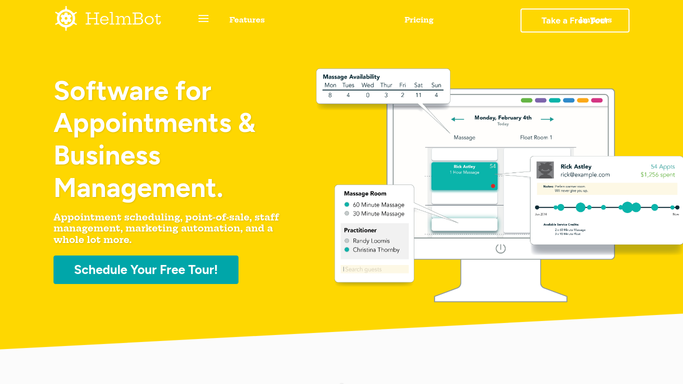
HelmBot - find members without a recovery add-on
helmbot.com How to Automate HelmBot

WebRun opens HelmBot to find members without a recovery add-on. - Open HelmBot and pull members with 4 or more sessions in the last 30 days
- Exclude anyone who has already booked a recovery add-on
- Note each member's most frequent session type
Done when Every frequent member without an add-on is listed with their visit pattern.
-
2
Stripe - confirm the add-on price and link
stripe.com How to Automate Stripe
WebRun opens Stripe to confirm the add-on price and link. - Confirm the current price for each available recovery add-on
- Pull the checkout link members can use to purchase it themselves
Done when A current price and working checkout link is confirmed for each add-on offered.
-
3
Mailchimp - draft the upsell offer
mailchimp.com How to Automate Mailchimp
WebRun opens Mailchimp to draft the upsell offer. - Draft a personal offer introducing one add-on that pairs with the member's usual session
- Include the Stripe checkout link so the member can purchase it directly if interested
- Save the email as a draft, do not send it automatically
Done when A reviewed, unsent upsell draft exists in Mailchimp for every qualifying member.


How do I upsell recovery add-ons to regular cryotherapy members?
WebRun opens HelmBot every Monday, finds regular members with no recovery add-on on their record, and confirms the current price and checkout link for each add-on in Stripe. It drafts a personal offer in Mailchimp pairing the add-on with the member's usual session, so your team reviews and sends it before any card is ever charged.
- Regular members hear about add-ons that fit how they already visit
- Add-on revenue grows without a blanket discount to everyone
- Members who already bought an add-on are never offered it again
Built for cryotherapy studio owners · membership sales teams · multi-location cryo studios · front desk staff
How is each run configured?
Secure by default
Connect once, stays signed in
WebRun signs in once and keeps each session in a persistent environment, so every run picks up right where it left off.
Every action is checked against this policy before it runs.
Questions, answered
Will it charge members for the add-on automatically?
No. WebRun only drafts an offer email with a Stripe checkout link the member can choose to click, it never charges a card or sends the email without review.
How does it pick who gets offered an add-on?
It looks for members with 4 or more sessions in the last 30 days who have never booked a recovery add-on, so the offer reaches active members most likely to want more.
Will the same member get offered every week?
No. Once a member books any add-on, HelmBot shows it on their record and WebRun excludes them from future offers automatically.
Related templates
Put this on autopilot.
Turn it on in minutes - or have our team set it up for you.