Recap your cryotherapy studio's daily revenue
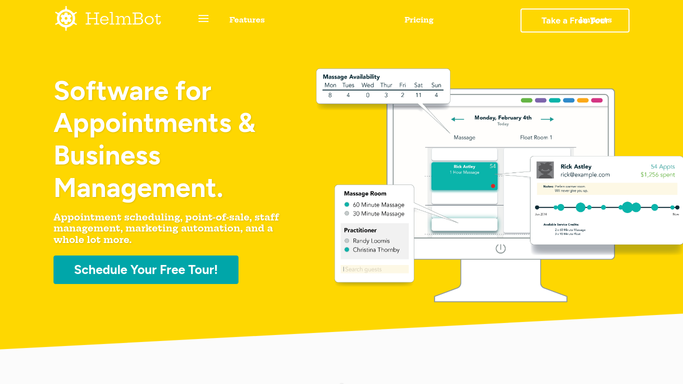
Every morning, WebRun opens HelmBot, pulls yesterday's completed sessions and revenue by type, logs each row to a Google Sheet, and posts a short recap to Slack so you start the day already knowing how the studio performed.
- No credit card
- Under $0.01 per run
- Cancel anytime
What does WebRun do on every run?
The exact actions WebRun takes, in order - in plain language, so you can adjust anything.
-
WebRun signs in and gets to work
Opens
app.helmbot.comin a real browser with your saved login - no setup, no API keys. -
1
HelmBot - pull yesterday's completed sessions
helmbot.com How to Automate HelmBot

WebRun opens HelmBot to pull yesterday's completed sessions. - Open HelmBot and filter yesterday's sessions to Completed
- Capture the session type, member or walk-in status, and amount charged for each
- Total the revenue by session type and membership tier
Done when Every completed session from yesterday is captured with its type and amount.
-
2
Google Sheets - log revenue by session type
google.com How to Automate Google Sheets
WebRun opens Google Sheets to log revenue by session type. - Open the Daily Revenue tracker sheet
- Append a new row for yesterday's date with totals by session type
- Carry forward the running month to date total
Done when The tracker sheet has yesterday's totals and an updated month to date figure.
-
3
Slack - post the daily recap
slack.com How to Automate Slack
WebRun opens Slack to post the daily recap. - Post yesterday's total revenue and session count to the owner channel
- Break out the top two session types by revenue
- Flag if revenue is down more than 15 percent versus the same weekday last week
Done when The owner channel has today's recap with the week over week comparison.


How do I get a daily revenue recap for my cryotherapy studio?
WebRun opens HelmBot every morning, pulls yesterday's completed cryotherapy sessions, and totals revenue by session type. It logs each day's numbers to a Google Sheet with a running month to date total, then posts a short recap to Slack, so owners start the day already knowing how the studio performed without pulling a report.
- Owners see yesterday's revenue before opening without pulling a report
- Every completed session is logged to Sheets with no manual entry
- A week over week revenue dip is flagged the same morning it happens
Built for cryotherapy studio owners · multi-location wellness studios · recovery spa managers · front desk managers
How is each run configured?
Secure by default
Connect once, stays signed in
WebRun signs in once and keeps each session in a persistent environment, so every run picks up right where it left off.
Every action is checked against this policy before it runs.
Questions, answered
Does this change any prices or charges in HelmBot?
No. WebRun only reads completed session and payment data from HelmBot, it never changes a price, discount, or charge. The digest is read only reporting.
How does it handle refunds or voided sessions?
It reads the live session status each morning, so refunded or voided sessions are excluded from the revenue total automatically.
Can it compare revenue across multiple locations?
Yes. Point it at more than one HelmBot location and the Slack recap breaks out revenue by studio alongside the combined total.
Related templates
Put this on autopilot.
Turn it on in minutes - or have our team set it up for you.