Draft a warm welcome for every new member
The moment a new member signs up in HelmBot, WebRun drafts a personalized welcome email in Mailchimp covering what to expect on their first visit, and posts the front desk a Slack heads up so they can greet the new member by name before they even walk in.
- No credit card
- Under $0.01 per run
- Cancel anytime
What does WebRun do on every run?
The exact actions WebRun takes, in order - in plain language, so you can adjust anything.
-
WebRun signs in and gets to work
Opens
app.helmbot.comin a real browser with your saved login - no setup, no API keys. -
1
HelmBot - detect the new member sign up
helmbot.com How to Automate HelmBot

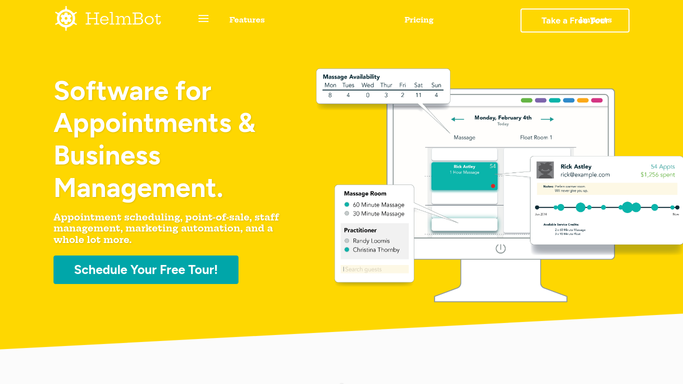
WebRun opens HelmBot to detect the new member sign up. - Watch HelmBot for a new member sign up
- Capture the member's name, plan, and first booked session if any
- Note any intake notes such as first time cryotherapy or a referral source
Done when The new member's profile and first session details are captured.
-
2
Mailchimp - draft the welcome email
mailchimp.com How to Automate Mailchimp
WebRun opens Mailchimp to draft the welcome email. - Draft a personalized welcome email using the member's name and plan
- Include first visit tips such as arrival time and what to wear
- Save the email as a draft, do not send it automatically
Done when A reviewed, unsent welcome draft exists in Mailchimp for the new member.
-
3
Slack - notify the front desk
slack.com How to Automate Slack
WebRun opens Slack to notify the front desk. - Post a heads up to the front desk channel naming the new member and their first session time
- Flag if they mentioned a referral source so staff can thank the referrer
Done when The front desk has a heads up on the new member before their first visit.


How do I send new cryotherapy members a personal welcome?
WebRun watches HelmBot for every new member sign up and drafts a personalized welcome email in Mailchimp with first visit tips like arrival time and what to wear. It also posts the front desk a Slack heads up naming the new member and their first session, so the welcome feels personal and staff are never caught off guard.
- Every new member gets a personal welcome, not a generic blast
- Front desk knows a new member's name before they walk in
- First visit tips reduce no shows and confused first sessions
Built for cryotherapy studio owners · front desk staff · membership coordinators · multi-location cryo studios
How is each run configured?
Secure by default
Connect once, stays signed in
WebRun signs in once and keeps each session in a persistent environment, so every run picks up right where it left off.
Every action is checked against this policy before it runs.
Questions, answered
Will new members get an email without anyone checking it first?
No. WebRun drafts a personalized welcome email in Mailchimp for every new sign up and leaves it unsent, a staff member reviews and sends it.
What goes into the welcome email?
The member's name, plan, and practical first visit tips like arrival time, hydration, and what to wear. Give WebRun a house style and it will match your tone.
Does the front desk get told about new members too?
Yes. Slack gets a same day heads up naming the new member and their first session, so staff can greet them personally.
Related templates
Put this on autopilot.
Turn it on in minutes - or have our team set it up for you.