Prepare member loan statements for review and delivery each month
At the start of each month, WebRun opens MeridianLink, pulls the prior month's loan statement data for every active member, drafts a personalized statement delivery email in Gmail for each member, and adds a delivery-confirmed event to Google Calendar once a manager approves and releases the batch.
- No credit card
- Under $0.01 per run
- Cancel anytime
What does WebRun do on every run?
The exact actions WebRun takes, in order - in plain language, so you can adjust anything.
-
WebRun signs in and gets to work
Opens
app.meridianlink.comin a real browser with your saved login - no setup, no API keys. -
1
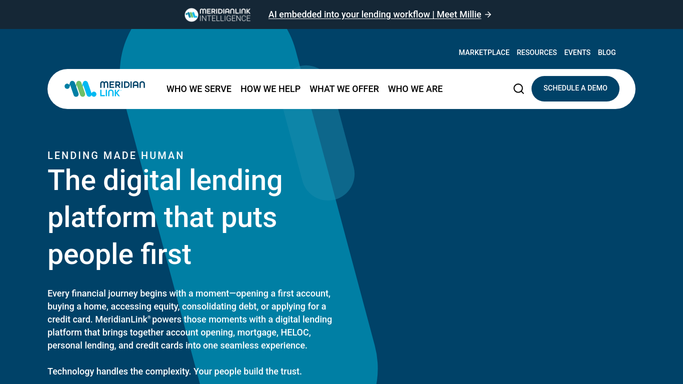
MeridianLink - pull prior-month loan statement data
meridianlink.com How to Automate MeridianLink

WebRun opens MeridianLink to pull prior-month loan statement data. - Open MeridianLink and navigate to the member loan statement report for the prior month
- Pull statement details for every active loan: balance, payment made, interest charged, and principal remaining
- Confirm that all transactions for the period have been posted before proceeding
- Flag any accounts with a zero-balance or charged-off status to exclude from the batch
Done when Prior-month statement data is confirmed complete and captured for every active loan account.
-
2
Gmail - draft personalized statement emails for each member
gmail.com How to Automate Gmail
WebRun opens Gmail to draft personalized statement emails for each member. - Draft a personalized statement email for each member with their specific balance, payment, and period
- Attach or link to the statement document if your process uses PDF statements
- Save every email as a Gmail draft, do not send any until a manager reviews the batch
- Group drafts by loan type (auto, personal, mortgage) for efficient review
Done when A personalized draft statement email exists in Gmail for every member in the batch, awaiting manager approval.
-
3
Google Calendar - log statement delivery milestone
calendar.google.com How to Automate Google Calendar
WebRun opens Google Calendar to log statement delivery milestone. - Once a manager approves the batch, create a calendar event titled 'Statements Sent' on the date of release
- Add a note with the total number of statements sent and the period covered
- Set a follow-up reminder 5 days later to check for any member delivery questions
Done when A delivery milestone event is added to Google Calendar after the approved batch is sent.


How can a credit union automate monthly loan statement preparation and delivery?
WebRun opens MeridianLink at the start of each month, pulls prior-month loan statement data for every active account, and drafts a personalized email in Gmail for every member. No statement is sent until a manager reviews and approves the batch. After release, a Google Calendar milestone records the delivery date and triggers a follow-up reminder.
- Statement batch is prepared the morning of the 1st without manual data pulling
- Every member receives a personalized statement, not a generic template
- No statement reaches a member before a manager reviews the batch
Built for credit union operations teams · member services managers · loan servicing staff
How is each run configured?
Secure by default
Connect once, stays signed in
WebRun signs in once and keeps each session in a persistent environment, so every run picks up right where it left off.
Every action is checked against this policy before it runs.
Questions, answered
Will it send statement emails to members automatically?
No. Every statement email is saved as a Gmail draft. A manager reviews the batch and approves sending. No statement reaches a member until a human releases it.
What if some statement data is not yet posted at month-end?
WebRun checks that all transactions for the period are posted in MeridianLink before building the batch. If the data is not complete, it flags the issue and waits for you to re-run.
Can it handle members who have opted for paperless statements only?
Yes. WebRun reads the member communication preference in MeridianLink and only drafts emails for members with an email delivery preference, skipping those set to mail-only.
Related templates
Put this on autopilot.
Turn it on in minutes - or have our team set it up for you.