Make sure your key pages are still collecting data
Every Monday, WebRun opens Crazy Egg, checks your list of key pages against the snapshots and recordings actually running, notes where the tracking script is not reporting, writes the gaps into Airtable, and books a Google Calendar block to fix the pages that stopped collecting.
- No credit card
- Under $0.01 per run
- Cancel anytime
How do I check my analytics is still collecting data on key pages?
WebRun opens Crazy Egg every Monday and checks your key pages against the snapshots actually collecting, flagging pages with no active snapshot or a script that is not reporting. It records the gaps in Airtable and books Google Calendar time to restore tracking that week.
- A page that stopped collecting is caught in days, not weeks
- The coverage table shows how long each gap has run
- Nobody discovers the gap when the report comes back empty
Built for growth leads · CRO specialists · marketing teams · web agencies
What does WebRun do on every run?
The exact actions WebRun takes, in order - in plain language, so you can adjust anything.
-
WebRun signs in and gets to work
Opens
app.crazyegg.comin a real browser with your saved login - no setup, no API keys. -
1
Crazy Egg - check which pages are collecting
crazyegg.com
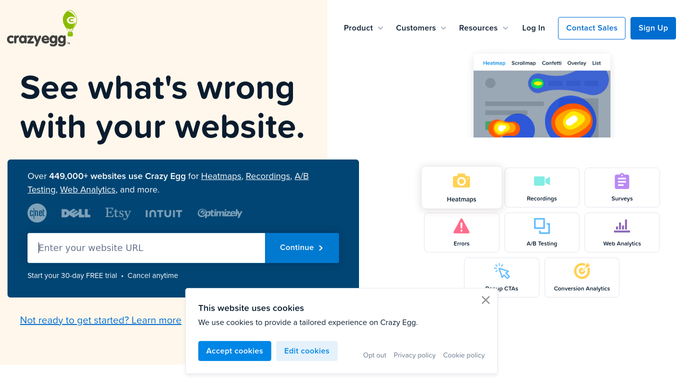
WebRun opens Crazy Egg to check which pages are collecting. - Open Crazy Egg and list the snapshots currently running with their page URLs
- Compare that list against the key pages you told WebRun to watch
- Flag pages with no active snapshot, snapshots that have finished, and any page where the script is not reporting
Done when Every key page is marked collecting or not collecting.
-
2
Airtable - record the coverage gaps
airtable.com How to Automate Airtable

WebRun opens Airtable to record the coverage gaps. - Update the coverage table with this week's status for each key page
- Record when the page last had data collected and how long it has been silent
- Mark pages restored to collecting so the gap history stays visible
Done when Every key page has a current coverage row in Airtable.
-
3
Google Calendar - book time to fix tracking
calendar.google.com How to Automate Google Calendar

WebRun opens Google Calendar to book time to fix tracking. - Book a short block this week when any key page has stopped collecting
- List the affected pages in the event description, longest silent first
- Skip the block on weeks where every page is still collecting
Done when Time is booked to restore tracking, or skipped when coverage is complete.
How is each run configured?
Secure by default
Connect once, stays signed in
WebRun signs in once and keeps each session in a persistent environment, so every run picks up right where it left off.
Every action is checked against this policy before it runs.
Questions, answered
Will it start or stop snapshots for me?
No. WebRun reads what is running and reports the gaps. Starting a new snapshot or reinstalling the tracking script stays a decision you make, which is why it books you the time.
Does it change anything on my website?
No. WebRun never touches your site. It reads the reporting inside Crazy Egg to tell whether data is arriving from a page, and nothing else.
How does it know which pages matter?
You give WebRun the list of key pages once. Every Monday it checks that list against the snapshots actually running and flags any page missing from it.
Related templates
Put this on autopilot.
Turn it on in minutes - or have our team set it up for you.