Build a root cause worklist for every recent temperature excursion
Every Monday, WebRun opens Tive, pulls all temperature excursion events from the past seven days, groups them by lane, carrier, and product type, and writes a ranked investigation worklist to Google Sheets so your QA team knows exactly which root causes to chase first.
- No credit card
- Under $0.01 per run
- Cancel anytime
What does WebRun do on every run?
The exact actions WebRun takes, in order - in plain language, so you can adjust anything.
-
WebRun signs in and gets to work
Opens
platform.tive.comin a real browser with your saved login - no setup, no API keys. -
1
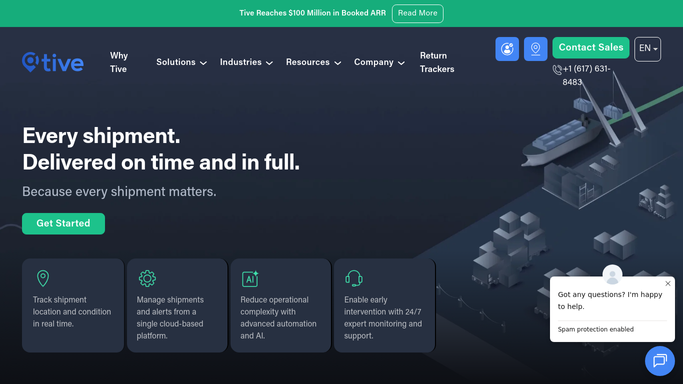
Tive - pull weekly excursion events
tive.com How to Automate Tive

WebRun opens Tive to pull weekly excursion events. - Open platform.tive.com and filter excursion events for the past 7 days
- For each event, capture the shipment ID, excursion type, duration, severity, lane, carrier, and product category
- Group events by lane and carrier to identify repeat offenders
- Rank groups by total excursion minutes, highest first
Done when All excursion events are grouped, ranked, and ready to write.
-
2
Google Sheets - write ranked investigation worklist
google.com How to Automate Google Sheets
WebRun opens Google Sheets to write ranked investigation worklist. - Open the QA root cause Google Sheet and navigate to the weekly worklist tab
- Write one row per excursion group: lane, carrier, event count, total minutes, and worst single event
- Add a summary row at the top with totals for the week
Done when Google Sheet has a complete, ranked worklist ready for the QA team to work through.

How do I create a weekly root cause worklist from Tive temperature excursion data?
Every Monday, WebRun pulls the past week of temperature excursion events from Tive, groups them by lane and carrier, ranks them by total excursion minutes, and writes a prioritised investigation worklist to Google Sheets. Your QA team opens the Sheet each Monday already knowing which root causes to tackle first.
- QA team has a ranked worklist every Monday without manual data pulls
- Repeat lane and carrier offenders surface automatically
- Weekly excursion history builds automatically for trend analysis
Built for cold chain QA managers · pharmaceutical logistics teams · food safety teams · temperature-controlled freight operators
How is each run configured?
Secure by default
Connect once, stays signed in
WebRun signs in once and keeps each session in a persistent environment, so every run picks up right where it left off.
Every action is checked against this policy before it runs.
Questions, answered
Does it overwrite my existing worklist each week?
No. WebRun appends a new dated tab for each week so you keep a running historical record. The previous week's tab is never overwritten.
Can it automatically notify carriers about repeated excursions on their lanes?
Carrier-facing notifications are drafted and queued for your review before anything is sent. The worklist itself posts to Sheets automatically; outbound messages require human approval.
What if there were no excursions in the past week?
WebRun writes a single all-clear row noting zero events for the period, so the Sheet always has a complete weekly record even during clean weeks.
Related templates
Put this on autopilot.
Turn it on in minutes - or have our team set it up for you.