Flag delayed reefer shipments before temperature risk becomes a problem
Every few minutes, WebRun checks each active Tive shipment's current ETA against its planned delivery window, flags any temperature-sensitive shipment that is running behind schedule, and posts a Slack alert with the delay duration, current location, and live condition data so your team can decide whether to intervene.
- No credit card
- Under $0.01 per run
- Cancel anytime
What does WebRun do on every run?
The exact actions WebRun takes, in order - in plain language, so you can adjust anything.
-
WebRun signs in and gets to work
Opens
platform.tive.comin a real browser with your saved login - no setup, no API keys. -
1
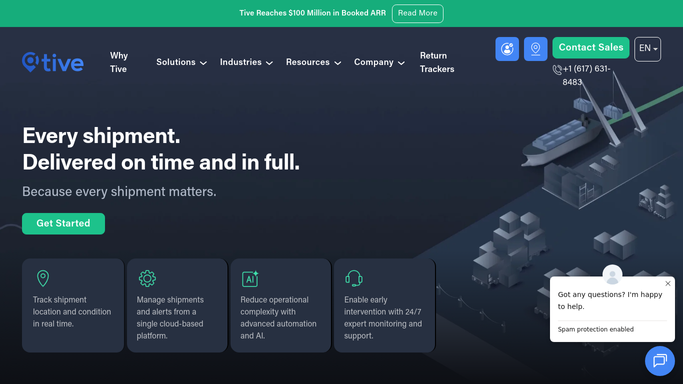
Tive - detect shipments behind delivery window
tive.com How to Automate Tive

WebRun opens Tive to detect shipments behind delivery window. - Open platform.tive.com and view all active shipments with planned delivery windows
- Compare current ETA for each shipment against its scheduled delivery time
- Flag any shipment whose ETA now exceeds the planned window by more than your configured tolerance
- For each flagged shipment, capture the delay duration, current location, current temperature, and remaining transit time
Done when Every at-risk delayed shipment has been identified with delay duration and current condition data.
-
2
Slack - post delay alert with condition data
slack.com How to Automate Slack
WebRun opens Slack to post delay alert with condition data. - Post one alert per delayed shipment to the ops Slack channel
- Include shipment name, delay duration, current location, current temperature, planned delivery window, and updated ETA
- Sort alerts with the longest delays and any active temperature flags at the top
Done when Team has a Slack alert for every delayed cold-chain shipment with enough context to decide on intervention.

How do I get alerted when a cold-chain shipment is running behind its delivery window?
WebRun monitors every active Tive shipment every few minutes, compares current ETAs against planned delivery windows, and flags any temperature-sensitive load running late. Your ops team gets a Slack alert with the delay duration, current location, and live temperature reading so they can decide whether to intervene before cargo quality is at risk.
- Delayed cold-chain shipments flagged within minutes of schedule slip
- Team sees delay duration and live temperature in one Slack message
- Receiver notifications drafted for review, not sent automatically
Built for cold chain logistics managers · pharmaceutical shippers · food distribution operators · perishable freight brokers
How is each run configured?
Secure by default
Connect once, stays signed in
WebRun signs in once and keeps each session in a persistent environment, so every run picks up right where it left off.
Every action is checked against this policy before it runs.
Questions, answered
How much of a delay triggers an alert?
WebRun uses the delay tolerance you set in the run configuration. A common starting point is 60 minutes past the planned window, but you can set it lower for highly time-sensitive cargo.
Will it automatically notify the receiver about the delay?
No. Receiver-facing delay notifications are drafted and queued for your review before anything is sent externally. Internal Slack alerts post automatically.
Does it combine delay alerts with temperature excursion alerts?
Yes. If a delayed shipment also has an active temperature excursion, the Slack alert includes both the delay context and the condition data so your team can assess the combined risk in one message.
Related templates
Put this on autopilot.
Turn it on in minutes - or have our team set it up for you.