Chase missing claim documentation before files stall
Every morning, WebRun opens Encircle on getencircle.com and XactAnalysis on xactware.com, identifies claims where required documentation is missing or incomplete, and posts your adjusters a Slack list of what still needs to be captured so files can move forward.
- No credit card
- Under $0.01 per run
- Cancel anytime
What does WebRun do on every run?
The exact actions WebRun takes, in order - in plain language, so you can adjust anything.
-
WebRun signs in and gets to work
Opens
www.getencircle.comin a real browser with your saved login - no setup, no API keys. -
1
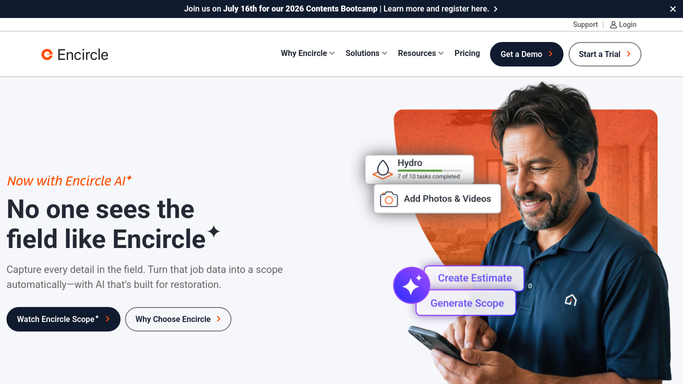
Encircle - check photo and report completeness
getencircle.com How to Automate Encircle

WebRun opens Encircle to check photo and report completeness. - Open Encircle and review active claim files
- Identify files missing required photo sets, moisture readings, or field reports
- Note the claim number, adjuster, and which specific documentation is absent
Done when All Encircle files with missing documentation are identified and listed.
-
2
Xactware - cross-reference open claim requirements
xactware.com How to Automate Xactware
WebRun opens Xactware to cross-reference open claim requirements. - Cross-reference the missing-documentation list against open claims in XactAnalysis
- Confirm which claims are at a stage where missing docs are blocking progress
- Add the current claim status and days open to each identified file
Done when Missing-documentation files are confirmed against XactAnalysis status and enriched with claim stage.
-
3
Slack - post the missing-documentation chaser
slack.com How to Automate Slack
WebRun opens Slack to post the missing-documentation chaser. - Post a grouped chaser list to the claims Slack channel
- Show claim number, adjuster, what is missing, and days the file has been open
- Flag files where missing docs are blocking estimate submission
Done when The team has a clear Slack chaser list of all documentation gaps.

How do I automatically track missing documentation on open claims?
WebRun checks Encircle and XactAnalysis every morning, identifies open claims where required photos, moisture readings, or field reports are missing, and posts a targeted chaser list to your Slack channel. Each entry shows the adjuster, what is absent, and how long the file has been open so gaps are resolved before they stall the estimate.
- Missing documentation gaps identified and surfaced before they delay estimates
- Adjusters start each day knowing exactly what to capture in the field
- Files with blocking documentation gaps flagged separately for urgent action
Built for claims adjusters · field teams · restoration contractors · insurance TPA teams
How is each run configured?
Secure by default
Connect once, stays signed in
WebRun signs in once and keeps each session in a persistent environment, so every run picks up right where it left off.
Every action is checked against this policy before it runs.
Questions, answered
Will it send reminders to policyholders to submit documents?
No. All chasers go to your internal Slack channel only. Any communication to policyholders about missing documents must be sent by your team.
Which documentation types does it check in Encircle?
It checks for missing photo sets, moisture readings, and field reports. The specific required documentation types are configured during setup to match your carrier requirements.
What if a document was uploaded after the run?
The next morning's run reads live data from both Encircle and XactAnalysis, so any documentation added during the day is reflected in the following chaser.
Related templates
Put this on autopilot.
Turn it on in minutes - or have our team set it up for you.