Get a weekly export of outdated Chocolatey packages
Every Monday, WebRun opens Chocolatey, reviews the packages managed across your organization, exports the ones with a newer version available to a Google Sheet with current and available version numbers, and emails IT a summary so patching decisions are based on a current list.
- No credit card
- Under $0.01 per run
- Cancel anytime
What does WebRun do on every run?
The exact actions WebRun takes, in order - in plain language, so you can adjust anything.
-
WebRun signs in and gets to work
Opens
chocolatey.orgin a real browser with your saved login - no setup, no API keys. -
1
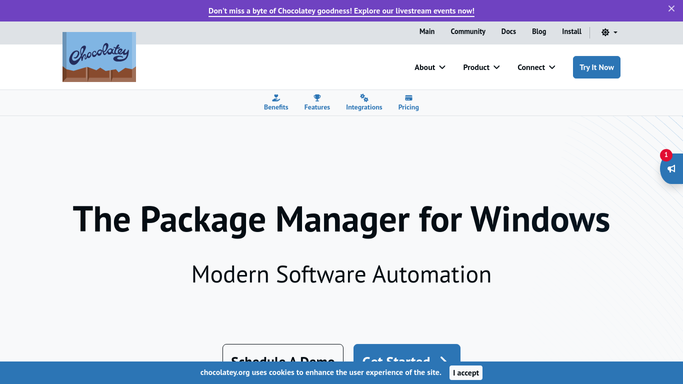
Chocolatey - review package versions
chocolatey.org

WebRun opens Chocolatey to review package versions. - Open the Chocolatey package list for your organization
- Check each package's installed version against the latest available version
- Note any package with a newer version available
Done when Every outdated package is identified with its current and available version.
-
2
Google Sheets - export outdated packages
google.com How to Automate Google Sheets
WebRun opens Google Sheets to export outdated packages. - Open the Chocolatey Package Tracker sheet
- Add or update a row per outdated package with its current version, available version, and machine count
- Remove rows for packages no longer outdated
Done when The sheet reflects this week's full list of outdated packages.
-
3
Gmail - email the IT summary
gmail.com How to Automate Gmail
WebRun opens Gmail to email the IT summary. - Draft and send a weekly summary email to IT
- List how many packages are outdated and call out any with a major version jump
- Link to the full Google Sheet
Done when IT has this week's outdated package summary in their inbox.


How do I get a weekly list of outdated Chocolatey packages?
WebRun reviews your organization's Chocolatey packages every Monday, checks each one's installed version against what is currently available, and exports the outdated ones to a Google Sheet with both version numbers. It then emails IT a summary calling out any major version jumps, so patching decisions start from a current, complete list.
- Outdated packages are listed every week without a manual audit
- Major version jumps are flagged so they get tested before rolling out
- IT starts each week with a current, complete picture instead of guessing
Built for IT administrators · Windows systems administrators · DevOps teams · managed service providers
How is each run configured?
Secure by default
Connect once, stays signed in
WebRun signs in once and keeps each session in a persistent environment, so every run picks up right where it left off.
Every action is checked against this policy before it runs.
Questions, answered
Will WebRun install or update any package itself?
No. It only reports which packages are outdated. Installing an update stays a decision and an action for your IT team.
Does it flag major version jumps differently?
Yes. A package with a major version jump is called out in the email summary since those are more likely to need testing before rolling out.
Can it track packages across multiple machines?
Yes. It reports the outdated package once with the count of machines it applies to, so the sheet does not turn into a duplicate row per machine.
Related templates
Put this on autopilot.
Turn it on in minutes - or have our team set it up for you.