Get one digest of everything that needs your reply
Twice a day, WebRun opens Chatwork, gathers every unread mention and direct message across your rooms, records each one in Airtable with the room and the sender, and sends you one Telegram digest ranked by how long each message has been sitting unanswered.
- No credit card
- Under $0.01 per run
- Cancel anytime
How do I get one digest of my unread Chatwork mentions?
WebRun checks Chatwork twice a day, collecting every unread mention and direct message across your rooms. It logs each one in Airtable and sends you a single Telegram digest ranked by waiting time, so questions aimed at you get answered instead of scrolling out of sight.
- Every mention aimed at you lands in one digest, twice a day
- The longest-waiting messages sit at the top
- Noisy rooms can be excluded so real questions stay visible
Built for managers · project leads · distributed teams · client services
What does WebRun do on every run?
The exact actions WebRun takes, in order - in plain language, so you can adjust anything.
-
WebRun signs in and gets to work
Opens
www.chatwork.comin a real browser with your saved login - no setup, no API keys. -
1
Chatwork - gather unread mentions
chatwork.com
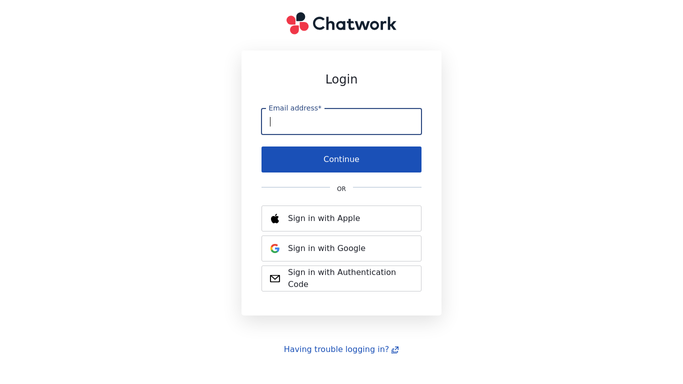
WebRun opens Chatwork to gather unread mentions. - Open Chatwork and go to your mentions and unread rooms
- Collect every message that mentions you and every unread direct message
- Capture the room name, the sender, the message text, and the time it arrived
- Skip rooms you have muted or excluded
Done when Every unread mention and direct message has been collected with its room.
-
2
Airtable - log what needs a reply
airtable.com How to Automate Airtable

WebRun opens Airtable to log what needs a reply. - Open your reply queue in Airtable
- Add one row per mention with room, sender, message, and time received
- Mark rows as answered once a reply from you appears in the thread
- Keep the history so you can see which rooms generate the most pings
Done when The Airtable reply queue matches the current unread state in Chatwork.
-
3
Telegram - send you one digest
telegram.org How to Automate Telegram

WebRun opens Telegram to send you one digest. - Send one Telegram digest with everything waiting on you
- Rank the list by how long each message has been unanswered
- Group by room so a busy project reads as one block
- Note the count of new items since the previous digest
Done when You have one Telegram digest covering every unanswered Chatwork mention.
How is each run configured?
Secure by default
Connect once, stays signed in
WebRun signs in once and keeps each session in a persistent environment, so every run picks up right where it left off.
Every action is checked against this policy before it runs.
Questions, answered
Will it reply to messages for me?
No. WebRun reads your Chatwork mentions and reports them. Every reply is written and sent by you, so no colleague or client ever gets an answer you did not write.
Does it mark my messages as read?
No. It reads without changing read state, so your Chatwork unread badges stay exactly as you left them and nothing disappears from your own view.
Can I exclude noisy rooms?
Yes. Name the rooms to skip and WebRun leaves them out of both the Airtable queue and the Telegram digest, so announcement and bot rooms never crowd out real questions.
Related templates
Put this on autopilot.
Turn it on in minutes - or have our team set it up for you.