Catch builds piling up with no agent to run them
Every hour, WebRun opens Buildkite, reads each queue's waiting jobs and connected agents, works out how long the oldest job has been waiting, flags queues with a backlog and no free agent, appends the numbers to a Google Sheet, and holds triage time in Google Calendar when a queue is stalled.
- No credit card
- Under $0.01 per run
- Cancel anytime
How do I know when Buildkite jobs are waiting for a free agent?
Every hour, WebRun opens Buildkite, reads each queue's waiting jobs and how many agents are connected to it, and flags any queue where builds are piling up with no free agent. It logs the backlog and wait times in Google Sheets and holds triage time in Google Calendar for the build engineer.
- A stalled queue is spotted within the hour, while the team is still working
- Wait times build into a weekly capacity record in Sheets
- No build is cancelled or retried by the run
Built for build engineers · platform teams · DevOps · engineering managers
What does WebRun do on every run?
The exact actions WebRun takes, in order - in plain language, so you can adjust anything.
-
WebRun signs in and gets to work
Opens
buildkite.com/loginin a real browser with your saved login - no setup, no API keys. -
1
Buildkite - check queue depth and free agents
buildkite.com
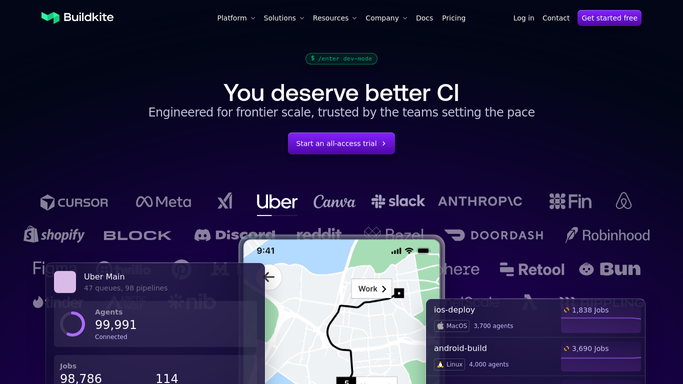
WebRun opens Buildkite to check queue depth and free agents. - Sign in to Buildkite and open the agents page for your organization
- For each queue, count the connected agents and how many are idle
- Open the builds view and count jobs still waiting to be picked up on that queue
- Read how long the oldest waiting job has been queued
- Flag any queue with waiting jobs and no idle agent
Done when Every queue has an agent count, a waiting job count and an oldest wait time.
-
2
Google Sheets - log backlog and wait times
google.com How to Automate Google Sheets

WebRun opens Google Sheets to log backlog and wait times. - Append this hour's figures to the CI capacity sheet, one row per queue
- Record the timestamp, agents connected, agents idle, jobs waiting and oldest wait
- Mark rows where the queue was stalled, so the pattern over a week is readable
- Keep a running column for the worst wait seen today
Done when The sheet has an hourly row per queue with its backlog and wait time.
-
3
Google Calendar - hold triage time
calendar.google.com How to Automate Google Calendar

WebRun opens Google Calendar to hold triage time. - When a queue has been stalled for more than one run, put a short triage hold on the build engineer's own calendar
- Name the queue and the wait time in the event title
- Add no guests and send no invitations. The hold is private to that calendar
- Skip the hold entirely when every queue is draining normally
Done when A stalled queue has time reserved to look at it, with nobody invited.
How is each run configured?
Secure by default
Connect once, stays signed in
WebRun signs in once and keeps each session in a persistent environment, so every run picks up right where it left off.
Every action is checked against this policy before it runs.
Questions, answered
Will it cancel or retry builds?
No. WebRun only reads queue depth and agent counts. Cancelling a build or scaling agents stays a human decision inside Buildkite.
Does the calendar hold invite anyone?
No. The hold is placed on the build engineer's own calendar with no guests, so no invitation is ever sent to anyone else.
How is this different from a build failure alert?
A failure alert tells you a build broke. This one tells you builds are not running at all, because the queue has jobs waiting and no free agent.
Related templates
Put this on autopilot.
Turn it on in minutes - or have our team set it up for you.