Turn Budibase app usage into a weekly review
Every Monday, WebRun opens Budibase, reads active users and record activity across every internal app, messages the app owner a usage summary on WhatsApp, and books a review slot on Google Calendar for any app that's gone quiet, so unused internal tools get noticed before they're forgotten entirely.
- No credit card
- Under $0.01 per run
- Cancel anytime
How do I track usage across my internal Budibase apps?
WebRun reads active users and record activity across every internal Budibase app each Monday, messages the app owner a usage summary on WhatsApp, and books a Google Calendar review for any app that's gone quiet for two weeks. Internal tools built on Budibase get reviewed on a schedule instead of being forgotten once the initial build excitement fades.
- Unused internal apps get flagged before they're forgotten
- App owners get a weekly summary without checking Budibase themselves
- A review gets booked automatically instead of relying on someone to notice
Built for Internal tools teams · IT operations · ops managers · platform teams
What does WebRun do on every run?
The exact actions WebRun takes, in order - in plain language, so you can adjust anything.
-
WebRun signs in and gets to work
Opens
budibase.comin a real browser with your saved login - no setup, no API keys. -
1
Budibase - read usage across internal apps
budibase.com
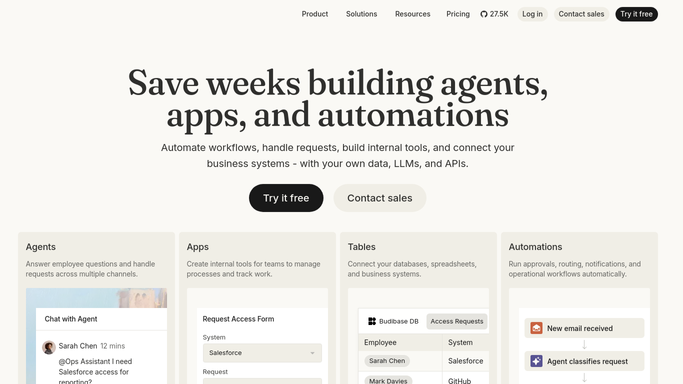
WebRun reads usage across internal apps in Budibase. - Open the workspace and review every published app
- Read active users and record activity for the past week
- Flag any app with little or no activity
Done when Every app has a current usage reading.
-
2
WhatsApp - message the usage summary
whatsapp.com How to Automate WhatsApp

WebRun messages the usage summary on WhatsApp. - Message the app owner a short usage summary
- Name active users and any drop from last week
- Flag apps that look abandoned
Done when The app owner has this week's usage summary.
-
3
Google Calendar - book a review for quiet apps
calendar.google.com How to Automate Google Calendar

WebRun books a review on Google Calendar for quiet apps. - Book a 15 minute review slot for any app with no activity in 2 weeks
- Invite the app owner
- Add the usage numbers to the event notes
Done when A review slot exists for every quiet app.
How is each run configured?
Secure by default
Connect once, stays signed in
WebRun signs in once and keeps each session in a persistent environment, so every run picks up right where it left off.
Every action is checked against this policy before it runs.
Questions, answered
Will it delete or archive an unused app?
No. WebRun only reports usage and books a review. Archiving or deleting an app stays a manual decision made by its owner.
What counts as quiet?
An app with no active users or record activity in the past 2 weeks.
Who receives the WhatsApp summary?
Only the internal owner set for each app, never a wider list or anyone outside your organization.
Related templates
Put this on autopilot.
Turn it on in minutes - or have our team set it up for you.