Know your Bolt tokens are running low before a build stops
Every morning, WebRun opens Bolt.new, reads how much of your token allowance is left and how fast the last few days burned through it, updates a Trello card with the trend, and messages you on WhatsApp while there is still enough headroom to finish the build you are in.
- No credit card
- Under $0.01 per run
- Cancel anytime
How do I get warned before my Bolt.new tokens run out?
WebRun opens Bolt.new every morning, reads the tokens left on your plan, and compares them with yesterday to work out the burn rate. It logs the trend on a Trello card and messages WhatsApp once headroom runs short, so you top up before a build stops halfway through a prompt.
- A warning arrives with days of headroom still left
- Daily burn rate is tracked, not guessed at
- No build stops mid prompt waiting on a top-up
Built for indie builders · product teams · no-code developers · agencies shipping prototypes
What does WebRun do on every run?
The exact actions WebRun takes, in order - in plain language, so you can adjust anything.
-
WebRun signs in and gets to work
Opens
bolt.newin a real browser with your saved login - no setup, no API keys. -
1
Bolt.new - read the token allowance left
bolt.new
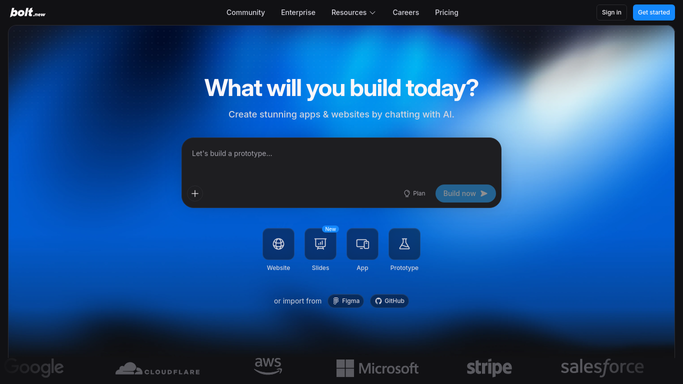
WebRun opens Bolt.new to read the token allowance left. - Open Bolt.new and read the tokens remaining on your plan and the date the allowance resets
- Compare with yesterday's reading to work out how many tokens the last day consumed
- Note which projects you were prompting in, so heavy consumption has a cause attached
Done when Today's remaining tokens, the reset date, and yesterday's consumption are all captured.
-
2
Trello - log the daily burn rate
trello.com How to Automate Trello

WebRun opens Trello to log the daily burn rate. - Update your usage card with today's remaining balance and yesterday's burn
- Work out days of headroom at the current rate and put it on the card title
- Move the card to a Watch list once headroom drops below the number of days left before the reset
Done when The card shows today's balance, the burn rate, and days of headroom at the current pace.
-
3
WhatsApp - warn while there is headroom
whatsapp.com How to Automate WhatsApp

WebRun opens WhatsApp to warn while there is headroom. - Message you when remaining tokens fall under the floor you set, or when headroom will not reach the reset date
- Give the balance, the recent daily burn, and how many days that leaves
- Stay quiet on days when there is plenty left, so the warning is worth reading
Done when You have been warned on WhatsApp with the balance and days of headroom before tokens run out.
How is each run configured?
Secure by default
Connect once, stays signed in
WebRun signs in once and keeps each session in a persistent environment, so every run picks up right where it left off.
Every action is checked against this policy before it runs.
Questions, answered
Will it buy more tokens or change my plan?
No. WebRun only reads your balance and warns you. Any top-up or plan change is made by you, so nothing is ever purchased on your account without a person doing it.
When does it actually message me?
Only when the remaining balance drops under the floor you set, or when the burn rate will not carry you to the reset date. Quiet days produce no message.
Does it read my projects or prompts?
It notes which projects you worked in so heavy consumption has a cause, and it never copies your prompt text or code out of Bolt.new.
Related templates
Put this on autopilot.
Turn it on in minutes - or have our team set it up for you.