Chase down weak and reused passwords across your team
Every Monday, WebRun opens Bitwarden's organization reports, reviews items flagged weak, reused, or exposed in a known breach, posts a prioritized chase list to Slack, and mirrors the alert to Telegram so nothing gets missed.
- No credit card
- Under $0.01 per run
- Cancel anytime
How do I get my team to actually fix weak or reused Bitwarden passwords?
WebRun reviews your Bitwarden organization reports every Monday for passwords flagged weak, reused, or exposed in a known breach. It builds a prioritized, owner-tagged chase list, posts it to Slack, and mirrors a short version to Telegram, so weak credentials get fixed by their owner instead of sitting unnoticed in a report.
- Weak and reused items get an owner and a deadline instead of sitting in a report nobody opens
- Repeat offenders stay visible week over week until they're fixed
- The team sees the list twice, in Slack and Telegram, so it doesn't get buried
Built for IT admins · security teams · startups · remote teams
What does WebRun do on every run?
The exact actions WebRun takes, in order - in plain language, so you can adjust anything.
-
WebRun signs in and gets to work
Opens
vault.bitwarden.comin a real browser with your saved login - no setup, no API keys. -
1
Bitwarden - review weak and reused items
bitwarden.com
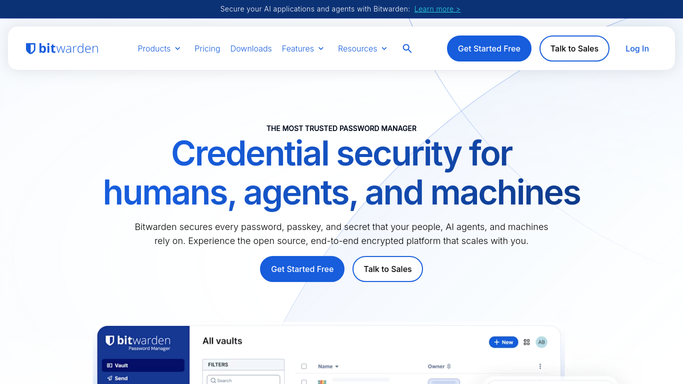
WebRun opens Bitwarden to review weak and reused items. - Open Bitwarden's organization reports for weak, reused, and exposed passwords
- Note which member owns each flagged item
- Sort the list with exposed items first, then reused, then weak
Done when This week's flagged items are listed in priority order with an owner.
-
2
Slack - post the chase list
slack.com How to Automate Slack

WebRun opens Slack to post the chase list. - Post the prioritized list to the security channel in Slack
- Tag each owner next to their flagged items
- Note last week's items that are still unresolved
Done when The Slack channel has this week's chase list with owners tagged.
-
3
Telegram - mirror the alert
telegram.org How to Automate Telegram

WebRun opens Telegram to mirror the alert. - Send the same summary to the security Telegram channel
- Keep it to counts and top priority items for a quick read
- Skip sending anything the week nothing new is flagged
Done when The Telegram channel has a short mirror of this week's chase list.
How is each run configured?
Secure by default
Connect once, stays signed in
WebRun signs in once and keeps each session in a persistent environment, so every run picks up right where it left off.
Every action is checked against this policy before it runs.
Questions, answered
Does WebRun see or fix the actual passwords?
No. WebRun only reads Bitwarden's health flags, such as weak, reused, or exposed, never the password itself. Fixing a flagged item is done by its owner in Bitwarden.
Will it change or reset anyone's password?
No. It only builds and posts the chase list. Resetting or rotating a credential is always a manual step for the vault member who owns it.
What if the same item is still flagged next week?
It stays on the list and is marked as still unresolved, so repeat offenders don't quietly drop off.
Related templates
Put this on autopilot.
Turn it on in minutes - or have our team set it up for you.