Catch failed mobile builds before release day
Every hour, WebRun opens Bitrise, checks builds on your main and release branches for a failure, saves the full build log to a Google Drive folder for anyone debugging it, and texts the mobile team lead through Twilio so a broken build gets attention before it holds up a release.
- No credit card
- Under $0.01 per run
- Cancel anytime
How do I get alerted when a Bitrise mobile build fails?
WebRun checks Bitrise every hour for a failed build on your main or release branches. It saves the full build log to Google Drive for debugging, and texts the mobile team lead through Twilio with the branch and failing step, so a broken build gets a fix started before it holds up a release.
- Broken main and release builds get a text within the hour
- Build logs are saved automatically for faster debugging
- Release day surprises drop since failures surface immediately
Built for mobile engineering teams · release managers · iOS and Android developers · platform teams
What does WebRun do on every run?
The exact actions WebRun takes, in order - in plain language, so you can adjust anything.
-
WebRun signs in and gets to work
Opens
app.bitrise.ioin a real browser with your saved login - no setup, no API keys. -
1
Bitrise - check builds for a failure
bitrise.io
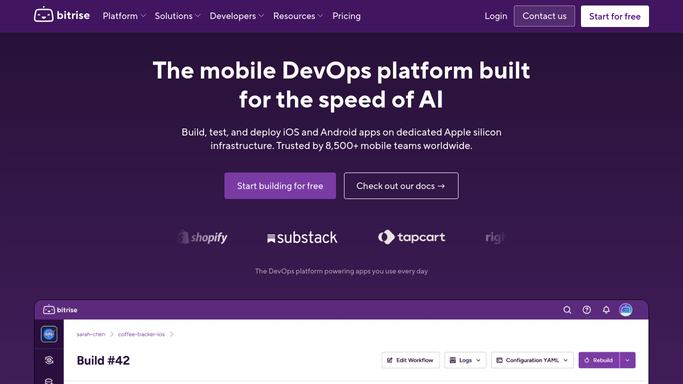
WebRun opens Bitrise to check builds for a failure. - Open Bitrise and check the latest build on the main and release branches
- Capture the branch, workflow, and failing step for anything that failed
- Skip builds already alerted on
Done when Every newly failed build is listed with its branch and failing step.
-
2
Google Drive - save the build log
drive.google.com How to Automate Google Drive

WebRun opens Google Drive to save the build log. - Save the full build log for each newly failed build to the mobile builds folder
- Name the file with the branch and the failure time
- Keep a running folder so failure history is easy to review
Done when Every newly failed build has its log saved to Drive.
-
3
Twilio - text the mobile lead
twilio.com How to Automate Twilio

WebRun opens Twilio to text the mobile lead. - Text the mobile team lead the branch and failing step for each new failure
- Link the saved build log
- Send one message per failure, not a batch
Done when The mobile team lead has a text for every newly failed build.
How is each run configured?
Secure by default
Connect once, stays signed in
WebRun signs in once and keeps each session in a persistent environment, so every run picks up right where it left off.
Every action is checked against this policy before it runs.
Questions, answered
Will it retry the build or push a fix?
No. WebRun only reports the failure and saves the log. Retrying the build or fixing the code is always done by your developer.
Why only main and release branches?
Because those are the branches that block a release. Feature branch failures are left for the author to notice in their normal workflow.
How fast does a failure get reported?
Within the hour it happens, since WebRun checks the latest build on those branches every hour.
Related templates
Put this on autopilot.
Turn it on in minutes - or have our team set it up for you.