Get your BigCommerce store's weekly scorecard without building it
Every Monday, WebRun opens your BigCommerce admin, pulls last week's order count, revenue, and top-selling products, posts the full scorecard to Slack, and separately pings Telegram if any product ran out of stock during the week so it doesn't wait until Monday to be noticed.
- No credit card
- Under $0.01 per run
- Cancel anytime
How do I get a weekly BigCommerce sales scorecard automatically?
WebRun opens your BigCommerce admin every Monday, pulls the past week's orders, revenue, and top-selling products, and posts the full scorecard to Slack. If any product ran out of stock during the week, it also sends a separate Telegram ping right away, so a stockout never waits until the next Monday to surface.
- Leadership gets the weekly numbers without anyone building a report
- Stockouts get flagged the same week they happen, not the following Monday
- Top products are ranked automatically instead of eyeballed
Built for BigCommerce store owners · ecommerce operations teams · online retail founders · store managers
What does WebRun do on every run?
The exact actions WebRun takes, in order - in plain language, so you can adjust anything.
-
WebRun signs in and gets to work
Opens
login.bigcommerce.comin a real browser with your saved login - no setup, no API keys. -
1
BigCommerce - pull last week's orders and stock
bigcommerce.com
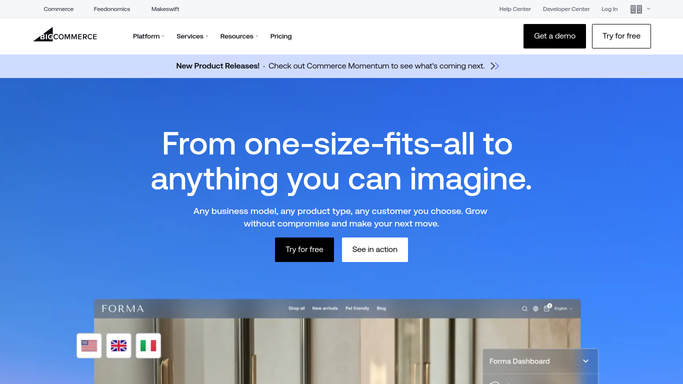
WebRun opens BigCommerce to pull last week's orders and stock. - Open BigCommerce admin and pull orders and revenue for the last 7 days
- Rank products by units sold to find the top sellers
- Check inventory for any product that hit zero stock during the week
Done when Last week's orders, revenue, top products, and any stockouts are captured.
-
2
Slack - post the weekly scorecard
slack.com How to Automate Slack

WebRun opens Slack to post the weekly scorecard. - Post the weekly scorecard with total orders, revenue, and the top 5 products
- Compare the numbers against the prior week
- Post it to the store's leadership channel
Done when The leadership channel has this week's scorecard.
-
3
Telegram - ping on any stockout
telegram.org How to Automate Telegram

WebRun opens Telegram to ping on any stockout. - Send a separate message naming any product that went out of stock this week
- Include when it ran out if BigCommerce shows a timestamp
- Send nothing if nothing went out of stock
Done when Any stockout from the week has been flagged in Telegram.
How is each run configured?
Secure by default
Connect once, stays signed in
WebRun signs in once and keeps each session in a persistent environment, so every run picks up right where it left off.
Every action is checked against this policy before it runs.
Questions, answered
Will it restock anything automatically?
No. WebRun only reports the numbers and flags stockouts. Reordering inventory is still a decision your team makes.
What counts as a top product?
The products with the most units sold in the last 7 days, ranked highest first, so you see what actually moved.
Why does the stockout alert go to Telegram instead of Slack?
It's meant to be noticed fast between Mondays. Telegram keeps it separate from the weekly scorecard so an urgent stockout doesn't wait for the next report.
Related templates
Put this on autopilot.
Turn it on in minutes - or have our team set it up for you.