Keep a running record of every Betterment deposit
On the first run of each month, WebRun signs in to Betterment, reads last month's account activity, writes every deposit, transfer, and dividend into your Google Sheet with its date, account, and amount, then posts a short summary to Telegram showing what you contributed and how it compares to your monthly target.
- No credit card
- Under $0.01 per run
- Cancel anytime
How do I keep a record of my Betterment contributions in a spreadsheet?
WebRun keeps a permanent record of your Betterment contributions. Each month it reads your account activity, writes every deposit, transfer, and dividend into a Google Sheet with dates and closing balances, then posts a Telegram summary showing what you contributed against your own monthly target.
- Every contribution is recorded in your own sheet, not just the app
- The monthly total against your target is visible without a login
- History accumulates automatically instead of being rebuilt at tax time
Built for long-term investors · personal finance trackers · FIRE savers · households budgeting together
What does WebRun do on every run?
The exact actions WebRun takes, in order - in plain language, so you can adjust anything.
-
WebRun signs in and gets to work
Opens
www.betterment.comin a real browser with your saved login - no setup, no API keys. -
1
Betterment - read last month's account activity
betterment.com
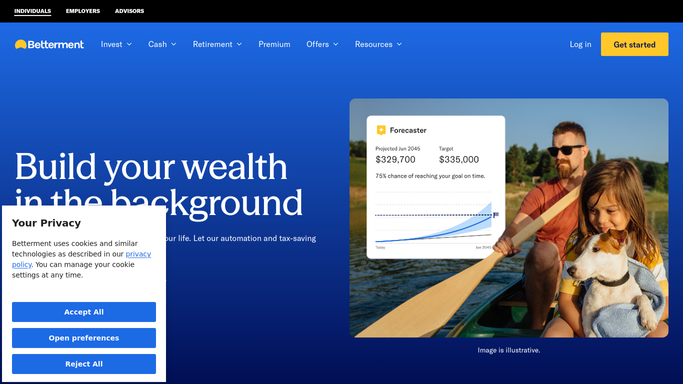
WebRun opens Betterment to read last month's account activity. - Sign in at betterment.com and open the activity view for each account
- Capture last month's deposits, transfers, and dividend entries with their dates and amounts
- Record the closing balance for each account on the last day of the month
- Skip any entry already logged in a previous run
Done when Last month's activity and closing balances are captured for every account.
-
2
Google Sheets - log every deposit and dividend
google.com How to Automate Google Sheets

WebRun opens Google Sheets to log every deposit and dividend. - Open your contributions sheet in Google Sheets
- Append one row per activity entry with date, account, type, and amount
- Append a monthly summary row with total contributed and the closing balance per account
- Leave existing rows untouched so the history stays intact
Done when Every new entry and the monthly summary row are written to the sheet.
-
3
Telegram - summarise the month's contributions
telegram.org How to Automate Telegram

WebRun opens Telegram to summarise the month's contributions. - Post a short monthly summary to your private Telegram channel
- Show total contributed, the split by account, and the gap to your own monthly target
- Link the sheet so the full history is one tap away
Done when The month's contribution summary is in Telegram with a link to the sheet.
How is each run configured?
Secure by default
Connect once, stays signed in
WebRun signs in once and keeps each session in a persistent environment, so every run picks up right where it left off.
Every action is checked against this policy before it runs.
Questions, answered
Can it move money or change my investments?
No. WebRun never deposits, withdraws, transfers, or trades. It reads your Betterment activity and copies it into your own sheet, and nothing else.
Does it give investment advice?
No. It records what already happened and compares it against a monthly target you set yourself. It makes no recommendation about what to buy, sell, or hold.
Will it overwrite my sheet history?
No. It only appends new rows and skips entries already logged, so previous months stay exactly as you left them.
Related templates
Put this on autopilot.
Turn it on in minutes - or have our team set it up for you.