Capture AV project inquiries
When a new AV project inquiry arrives, WebRun opens D-Tools to create a project record, logs the lead details in Google Sheets for your pipeline tracker, and posts a Slack alert to your sales team so no inquiry slips through.
- No credit card
- Under $0.01 per run
- Cancel anytime
What does WebRun do on every run?
The exact actions WebRun takes, in order - in plain language, so you can adjust anything.
-
WebRun signs in and gets to work
Opens
www.d-tools.comin a real browser with your saved login - no setup, no API keys. -
1
D-Tools - create a new project record
d-tools.com How to Automate D-Tools

WebRun opens D-Tools to create a new project record. - Open D-Tools and navigate to the Projects section
- Create a new project record with the client name, contact details, site address, and scope notes from the inquiry
- Set the project status to Prospect and assign it to the correct sales owner
Done when A D-Tools project record exists for the new inquiry with all contact and scope details filled in.
-
2
Google Sheets - log inquiry details to pipeline tracker
google.com How to Automate Google Sheets
WebRun opens Google Sheets to log inquiry details to pipeline tracker. - Open the pipeline tracker Google Sheet
- Append a new row with the date, client name, project type, estimated value, and D-Tools project ID
- Flag the row as New so the sales team can action it
Done when The inquiry is logged as a new row in the pipeline tracker sheet.
-
3
Slack - alert sales team
slack.com How to Automate Slack
WebRun opens Slack to alert sales team. - Post a Slack message to the sales channel with the client name, scope summary, and a link to the D-Tools project
- Include the date received and the assigned sales owner
Done when The sales team has a Slack notification with the inquiry details and a direct link to D-Tools.
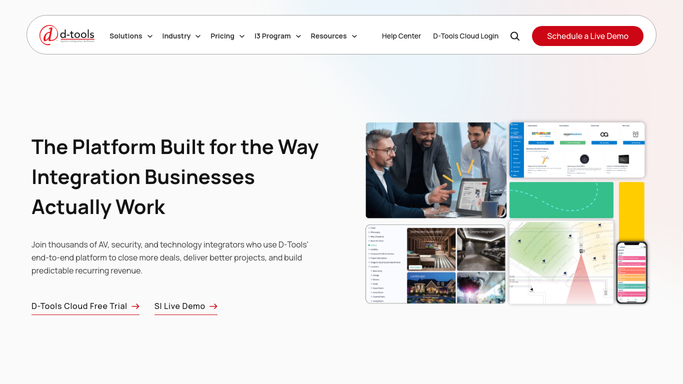


How do I automatically log AV project inquiries into D-Tools and Slack?
WebRun captures every new AV project inquiry instantly. It creates a D-Tools project record, logs the lead to your Google Sheets pipeline tracker, and posts a Slack alert to your sales team, so no inquiry sits untracked and your team can follow up before the prospect calls a competitor.
- Every inquiry is logged in D-Tools and Google Sheets the moment it arrives
- Sales team gets a Slack alert with full inquiry details and a direct D-Tools link
- No prospect inquiry falls through the cracks between receipt and follow-up
Built for AV installers · custom integrators · home automation companies · commercial AV firms
How is each run configured?
Secure by default
Connect once, stays signed in
WebRun signs in once and keeps each session in a persistent environment, so every run picks up right where it left off.
Every action is checked against this policy before it runs.
Questions, answered
Will it contact the prospect automatically?
No. WebRun only creates internal records and alerts your team. It never emails or messages the prospect on its own. Your sales team receives the Slack alert and decides when and how to reach out.
What if the inquiry is missing key details?
WebRun logs whatever information is present and flags incomplete rows in Google Sheets so your team can follow up and fill in the gaps before progressing the project.
Which D-Tools project fields does it populate?
It fills in the client name, contact details, site address, project type, and scope notes. Fields that require internal decisions, such as budget tier or tech assignment, are left for your team to complete.
Related templates
Put this on autopilot.
Turn it on in minutes - or have our team set it up for you.