Automated Authy New Hire 2FA Checklist
The day a new hire is added, WebRun checks which accounts require two-factor enrollment through Authy, logs their enrollment status in an Airtable register, and posts a setup checklist to Notion so IT can confirm every required account is protected.
How do I make sure every new hire actually completes two-factor setup with Authy?
WebRun checks which of a new hire's required accounts have two-factor enrolled through Authy, logs the status in an Airtable register, and posts a Notion checklist of what's still missing. It never enrolls an account itself and never reads a code Authy generates, only tracks whether enrollment is done.
- Two-factor enrollment is tracked from day one instead of assumed complete
- IT sees exactly which accounts still need setup
- No authentication code or secret is ever read by WebRun
Built for IT admins · people operations · security teams · growing companies
What does WebRun do on every run?
The exact actions WebRun takes, in order - in plain language, so you can adjust anything.
-
WebRun signs in and gets to work
Opens
authy.comin a real browser with your saved login - no setup, no API keys. -
1
Authy - check two-factor enrollment status
authy.com
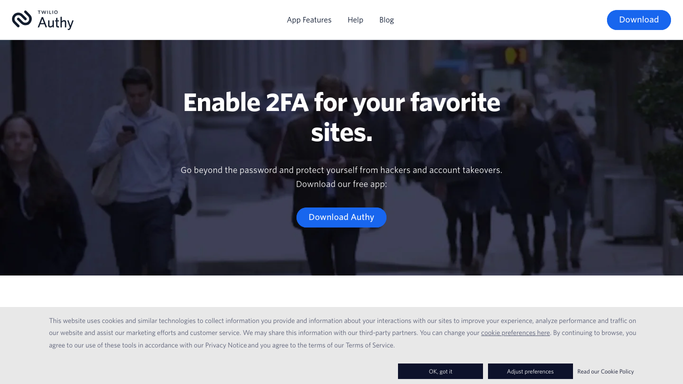
WebRun opens Authy to check two-factor enrollment status. - Open Authy and check which of the new hire's required accounts have two-factor enrolled
- Note which accounts are still missing enrollment
- List the accounts that still need setup
Done when Every required account's two-factor enrollment status is checked.
-
2
Airtable - log enrollment status
airtable.com

WebRun opens Airtable to log enrollment status. - Open the onboarding security register in Airtable
- Add a row for the new hire with each required account and its enrollment status
- Update the row as accounts get enrolled
Done when The Airtable register reflects the new hire's current enrollment status.
-
3
Notion - post the setup checklist
notion.so

WebRun opens Notion to post the setup checklist. - Open the IT onboarding checklist in Notion
- List the accounts still missing two-factor enrollment for this new hire
- Leave it for IT and the new hire to complete together
Done when The Notion checklist shows what's left to enroll.
How is each run configured?
Secure by default
Connect once, stays signed in
WebRun signs in once and keeps each session in a persistent environment, so every run picks up right where it left off.
Every action is checked against this policy before it runs.
Questions, answered
Does WebRun enroll the new hire in two-factor itself?
No. WebRun only checks and tracks enrollment status. The new hire or IT completes the actual enrollment step themselves in Authy.
Does WebRun see any two-factor codes?
No. It only reads whether an account is enrolled, never the authentication codes or secrets Authy generates.
What happens once every account is enrolled?
The checklist in Notion shows nothing left outstanding, and the Airtable row is marked complete.
Related templates
Put this on autopilot.
Turn it on in minutes - or have our team set it up for you.