See your OR block time utilization every week without pulling a report
Every Monday, WebRun opens HST Pathways, pulls the prior week's block time data broken down by surgeon and OR room, calculates utilization rates, logs the results to a Google Sheets dashboard, and posts a plain-English summary to Slack so the administrator can see which blocks are underperforming.
- No credit card
- Under $0.01 per run
- Cancel anytime
What does WebRun do on every run?
The exact actions WebRun takes, in order - in plain language, so you can adjust anything.
-
WebRun signs in and gets to work
Opens
www.hstpathways.comin a real browser with your saved login - no setup, no API keys. -
1
HST Pathways - pull prior-week block time data
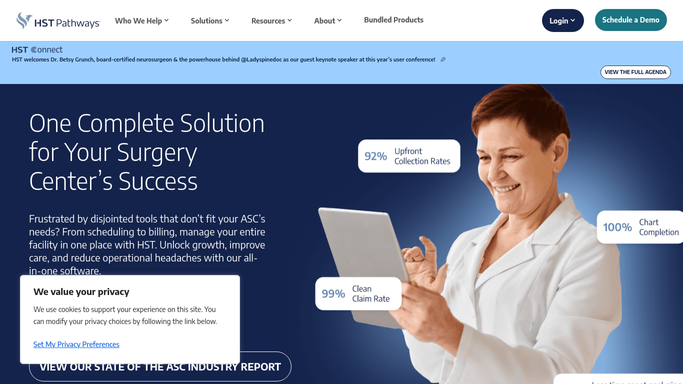
hstpathways.com How to Automate HST Pathways

WebRun opens HST Pathways to pull prior-week block time data. - Open HST Pathways and navigate to the scheduling or reporting module
- Run or export the block time utilization report for the prior calendar week
- Capture total allocated block time, used time, unused time, and case count by surgeon and OR room
- Calculate utilization percentage for each block owner and room
Done when Utilization rates for the prior week are calculated for every surgeon block and OR room.
-
2
Google Sheets - log utilization rates by surgeon and room
google.com How to Automate Google Sheets
WebRun opens Google Sheets to log utilization rates by surgeon and room. - Open the block time utilization dashboard sheet
- Add the weekly row for each surgeon and room with allocated time, used time, and utilization percentage
- Flag any surgeon block below 70% utilization for leadership review
Done when Last week's utilization data is logged and flagged in the dashboard.
-
3
Slack - post weekly utilization digest
slack.com How to Automate Slack
WebRun opens Slack to post weekly utilization digest. - Post the weekly digest to the leadership or administration channel
- List overall center utilization rate and call out the top three and bottom three surgeon blocks
- Include a link to the Google Sheets dashboard for the full breakdown
Done when Leadership has the utilization digest in Slack with a link to the full dashboard.


How can an ASC automatically track and report OR block time utilization each week?
Every Monday, WebRun pulls the prior week's block time data from HST Pathways, calculates utilization rates by surgeon and OR room, logs the results to a Google Sheets dashboard, and posts a plain-English digest to Slack. Blocks below 70% utilization are flagged so leadership can make informed scheduling decisions.
- Weekly block time utilization is visible in Slack every Monday without pulling a manual report
- Underperforming surgeon blocks are flagged automatically for leadership review
- A rolling utilization dashboard in Google Sheets shows trends over time
Built for ASC administrators · OR managers · medical directors · ambulatory surgery center leadership
How is each run configured?
Secure by default
Connect once, stays signed in
WebRun signs in once and keeps each session in a persistent environment, so every run picks up right where it left off.
Every action is checked against this policy before it runs.
Questions, answered
What counts as underutilized block time?
Any surgeon block with less than 70% utilization for the week is flagged by default. You can adjust this threshold when setting up the workflow to match your center's target.
Does it include time lost to late starts or early finishes?
Yes. The report pulls allocated block time versus actual case time from HST Pathways, so unused time from late starts, early endings, and canceled cases is all captured in the utilization rate.
Can leadership use this to release underused blocks?
The digest flags underperforming blocks for review, but all block time decisions and releases are made by the administrator in HST Pathways. WebRun provides the data, not the decision.
Related templates
Put this on autopilot.
Turn it on in minutes - or have our team set it up for you.