Keep customers on a regular appliance maintenance schedule
Every Monday, WebRun opens ServiceM8 and a maintenance schedule in Google Sheets, identifies customers whose appliance service is coming due, drafts a personalised reminder email via Gmail for each, and queues the drafts for your team to review and send.
- No credit card
- Under $0.01 per run
- Cancel anytime
What does WebRun do on every run?
The exact actions WebRun takes, in order - in plain language, so you can adjust anything.
-
WebRun signs in and gets to work
Opens
app.servicem8.comin a real browser with your saved login - no setup, no API keys. -
1
ServiceM8 - find customers with service due
servicem8.com How to Automate ServiceM8

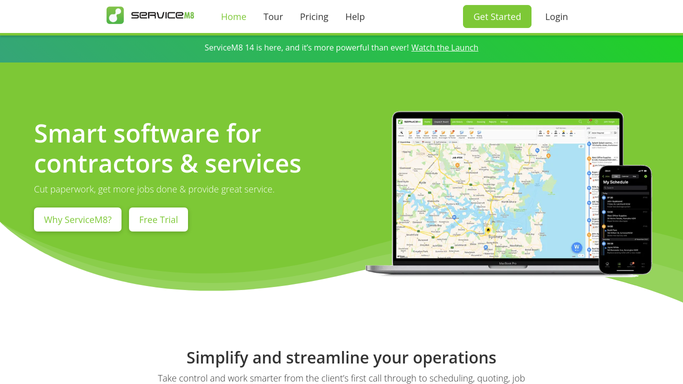
WebRun opens ServiceM8 to find customers with service due. - Open ServiceM8 and filter completed jobs by service type and completion date
- Identify customers whose last maintenance job was completed 11 or more months ago
- Capture the customer name, appliance type, last service date, and contact details for each
Done when Every customer with an appliance service due within the next month is listed with their details.
-
2
Google Sheets - check maintenance schedule and intervals
google.com How to Automate Google Sheets
WebRun opens Google Sheets to check maintenance schedule and intervals. - Open the maintenance schedule Sheet to check any custom intervals set for specific customers or appliance types
- Cross-reference the ServiceM8 list with any customers marked as opted out of reminders
- Log this week's due list to the Sheet with the planned reminder date
Done when The due list is cross-referenced and logged in Google Sheets with opted-out customers removed.
-
3
Gmail - draft personalised maintenance reminders
gmail.com How to Automate Gmail
WebRun opens Gmail to draft personalised maintenance reminders. - Draft a personalised maintenance reminder for each customer naming the appliance and the last service date
- Suggest booking a service visit and include a call-to-action to reply or call
- Leave every draft unsent for your team to review before it goes to the customer
Done when One maintenance reminder draft exists for each customer due this month, ready for approval.


How do I automatically send recurring appliance maintenance reminders to customers?
WebRun opens ServiceM8 each Monday and a Google Sheets maintenance schedule to identify customers whose appliance service is coming due. It then drafts a personalised reminder email via Gmail for each customer and queues the drafts for your team to approve, turning your service history into a steady pipeline of booked visits.
- Customers due for service are contacted the month before, reducing gaps between visits
- Opted-out customers are never messaged, keeping your list clean and compliant
- A Google Sheets record tracks every reminder sent for easy follow-up
Built for appliance repair companies · field service businesses · HVAC and appliance technicians · repair shop managers
How is each run configured?
Secure by default
Connect once, stays signed in
WebRun signs in once and keeps each session in a persistent environment, so every run picks up right where it left off.
Every action is checked against this policy before it runs.
Questions, answered
Will it email customers without my team reviewing the message first?
No. Every maintenance reminder is left as a Gmail draft for your team to approve before it reaches the customer. Nothing goes out on its own.
Can we set different service intervals for different appliances?
Yes. You can record custom intervals in the Google Sheets maintenance schedule, and WebRun will use them instead of the default 12-month window when identifying customers due for service.
What about customers who do not want reminder emails?
Customers marked as opted out in the Google Sheets schedule are removed from the list before any drafts are created, so no unwanted messages are ever queued.
Related templates
Put this on autopilot.
Turn it on in minutes - or have our team set it up for you.