Route NCR Aloha online orders to the right station or driver without manual intervention
Every few minutes, WebRun checks NCR Aloha for new online orders, reads the order type such as delivery, pickup, or curbside, routes each order to the correct prep station or delivery queue based on your rules, and posts a confirmation to your ops Slack channel so the team stays informed without shouting across the kitchen.
- No credit card
- Under $0.01 per run
- Cancel anytime
What does WebRun do on every run?
The exact actions WebRun takes, in order - in plain language, so you can adjust anything.
-
WebRun signs in and gets to work
Opens
www.ncrvoyix.comin a real browser with your saved login - no setup, no API keys. -
1
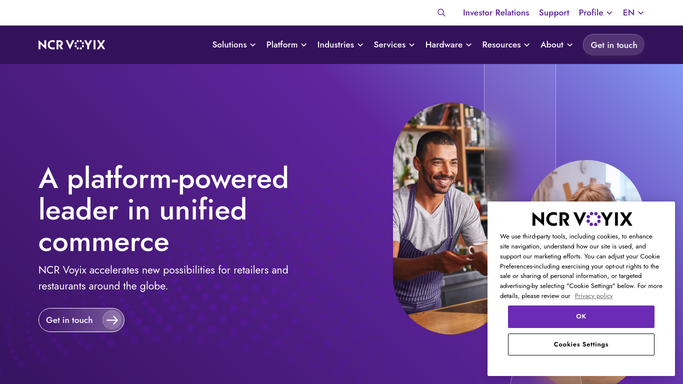
NCR Aloha - detect and read new online orders
ncrvoyix.com How to Automate NCR Aloha

WebRun opens NCR Aloha to detect and read new online orders. - Poll NCR Aloha every few minutes for new online orders that have not yet been routed
- Read each order's type, contents, requested time, and channel such as delivery app, web, or QR
- Apply your routing rules to assign each order to the correct kitchen station or delivery queue
Done when Every new online order is assigned a routing destination based on its type and contents.
-
2
Slack - confirm routing to the ops channel
slack.com How to Automate Slack
WebRun opens Slack to confirm routing to the ops channel. - Post a short routing confirmation to the ops Slack channel for each order processed
- Include order number, type, requested time, and which station or queue it was routed to
- Flag any order that could not be automatically routed for manual review
Done when The ops team has a Slack confirmation for every routed order and a flag for any exception.

How can I automatically route NCR Aloha online orders to the right kitchen station?
WebRun checks NCR Aloha every few minutes for new online orders, reads the order type and channel, applies your routing rules to direct each order to the right kitchen station or delivery queue, and posts a Slack confirmation to the ops channel so the team stays current without manual coordination.
- Online orders are routed to the right station or queue within minutes of arriving in NCR Aloha
- Ops team gets a Slack confirmation for every order without manual checks
- Unroutable exceptions are flagged immediately so no order falls through the cracks
Built for restaurant managers · QSR operators · restaurant ops teams · multi-channel restaurant operators
How is each run configured?
Secure by default
Connect once, stays signed in
WebRun signs in once and keeps each session in a persistent environment, so every run picks up right where it left off.
Every action is checked against this policy before it runs.
Questions, answered
How does it know which station to route each order to?
You define routing rules during setup, for example delivery orders go to the back prep station and pickup orders go to the counter. WebRun applies those rules to each new NCR Aloha online order.
What happens if an order does not match any routing rule?
WebRun flags it in Slack as an unrouted exception so a team member can handle it manually. Unmatched orders are never silently dropped.
Does it work with third-party delivery platforms integrated into NCR Aloha?
Yes. WebRun reads whatever orders have landed in NCR Aloha, regardless of the originating channel, so orders from integrated delivery apps are routed the same way as direct web orders.
Related templates
Put this on autopilot.
Turn it on in minutes - or have our team set it up for you.